Writing and sending a résumé with no Microsoft Office
Word is a common requirement in job adverts and an uncommon thing to own. Both exports here work on a machine with nothing installed.
— the file format is not the same thing as the software.
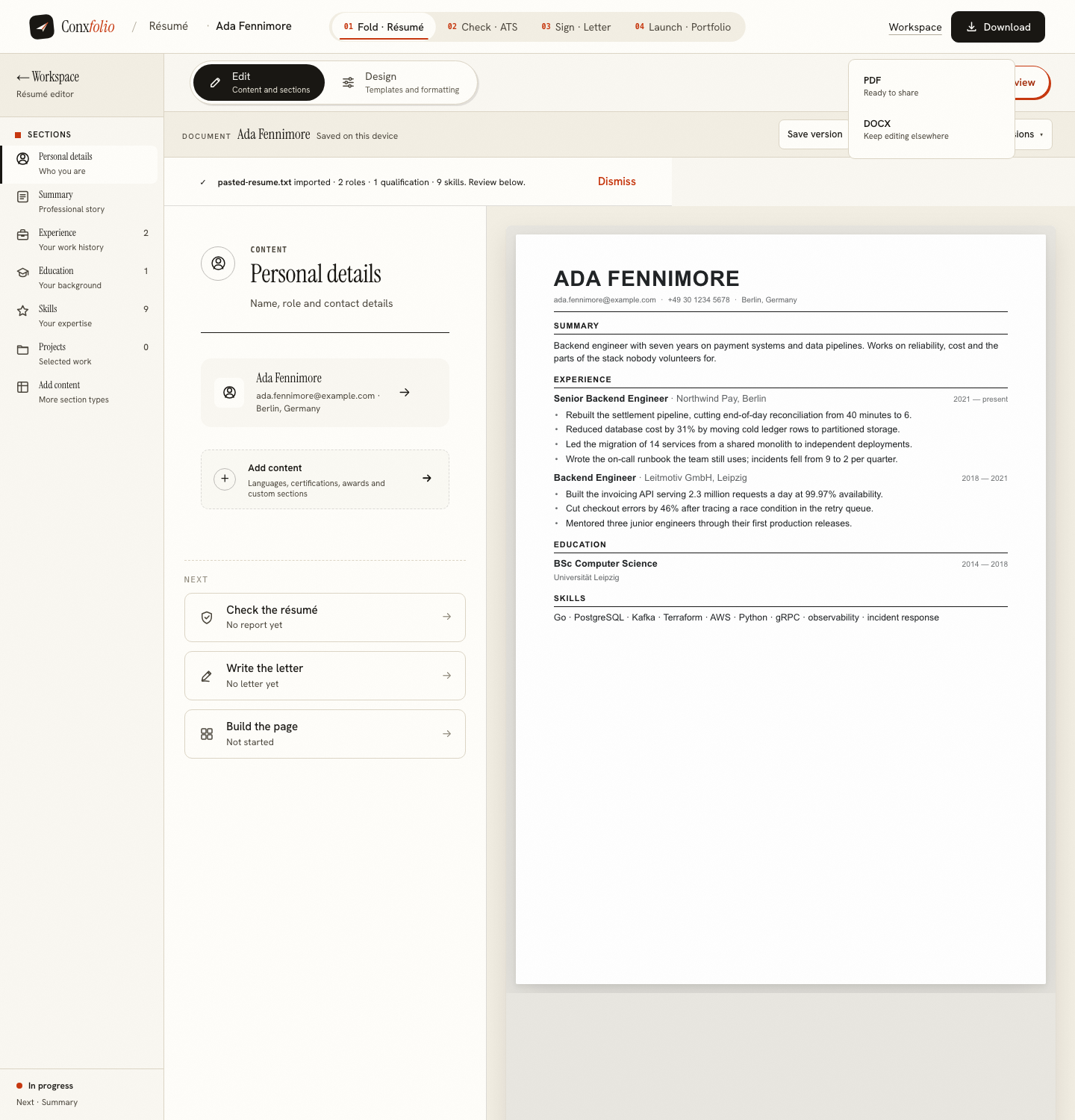
A job advert that asks for a Word document is asking for a file format. It is not asking whether you own the software that made it popular, and nobody at the other end can tell. The résumé builder writes both formats on a machine with nothing installed.
What a DOCX actually is
A zip container holding XML files that describe the document. Word writes them; so does LibreOffice, so does Google Docs, and so does the code in this page. The export here is assembled in your browser: the OOXML and the zip are built line by line and handed to you as a download. In a measured export the file arrived as Ada-Fennimore-resume.docx after zero server calls. The mechanism is described in DOCX is built in your browser.
The PDF takes a different road
The PDF is rendered on our server, because a faithful page needs a real rendering engine. In the same measured export the PDF arrived as Ada Fennimore résumé.pdf after exactly one server call. That route writes nothing to disk and nothing to a database, which is set out in the privacy note on what happens to an uploaded résumé.
Neither export is held back
There is no watermark, no paywalled format and no plan that unlocks the second one. The habit of charging for the export is common enough to have its own page: watermarks and paywalls, and the wider version in free tools that are not free.
Starting from a document you cannot open
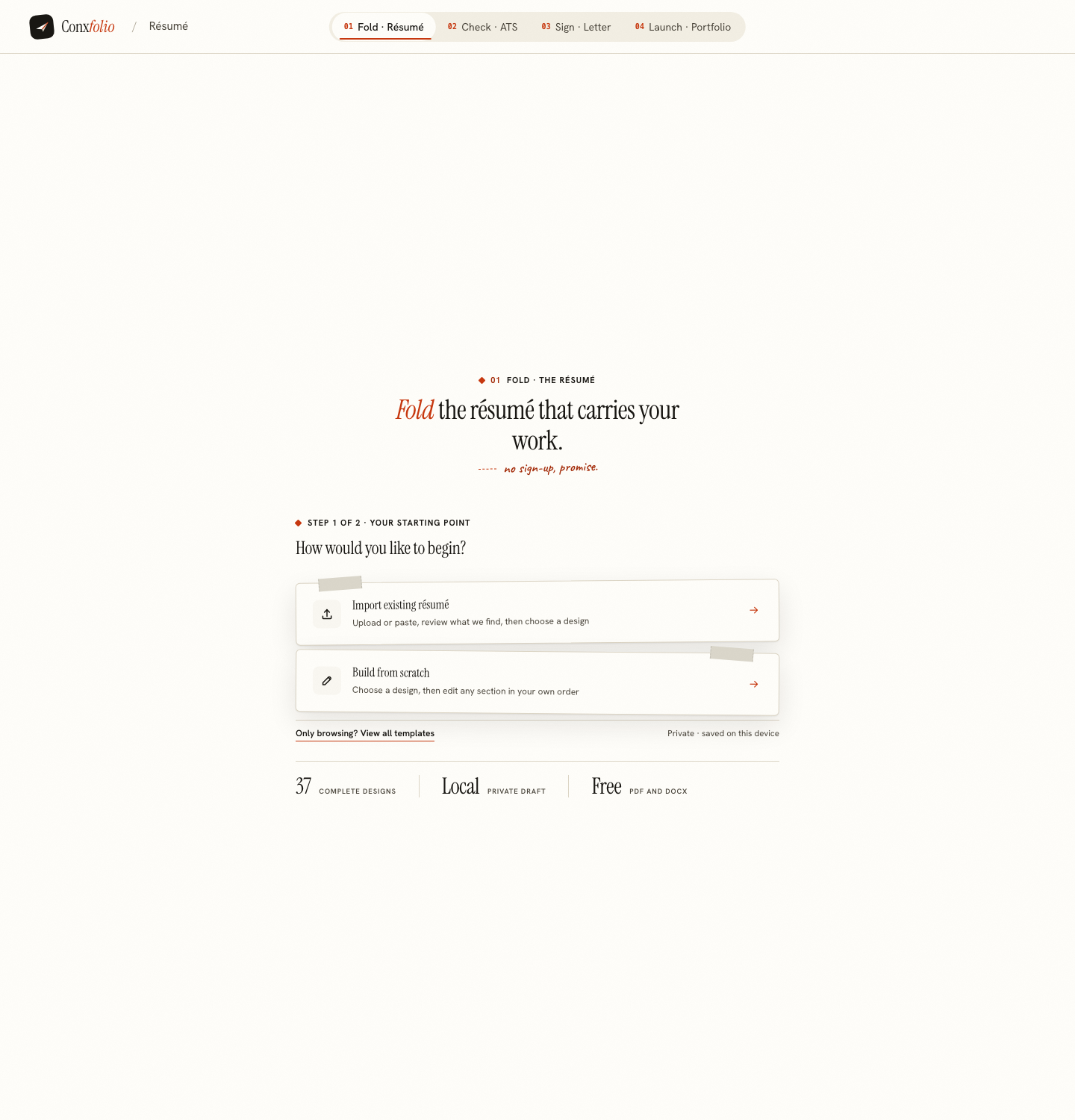
An old résumé stuck in a format you have no software for is the usual reason people come looking. Upload it here and it is read in this browser first; if this browser cannot read it, the file itself is sent to be read instead. PDF, DOCX, TXT and a photograph are all accepted. What the reading fills in, and what it deliberately leaves empty, is in what the import review catches.
The letter, on the same terms
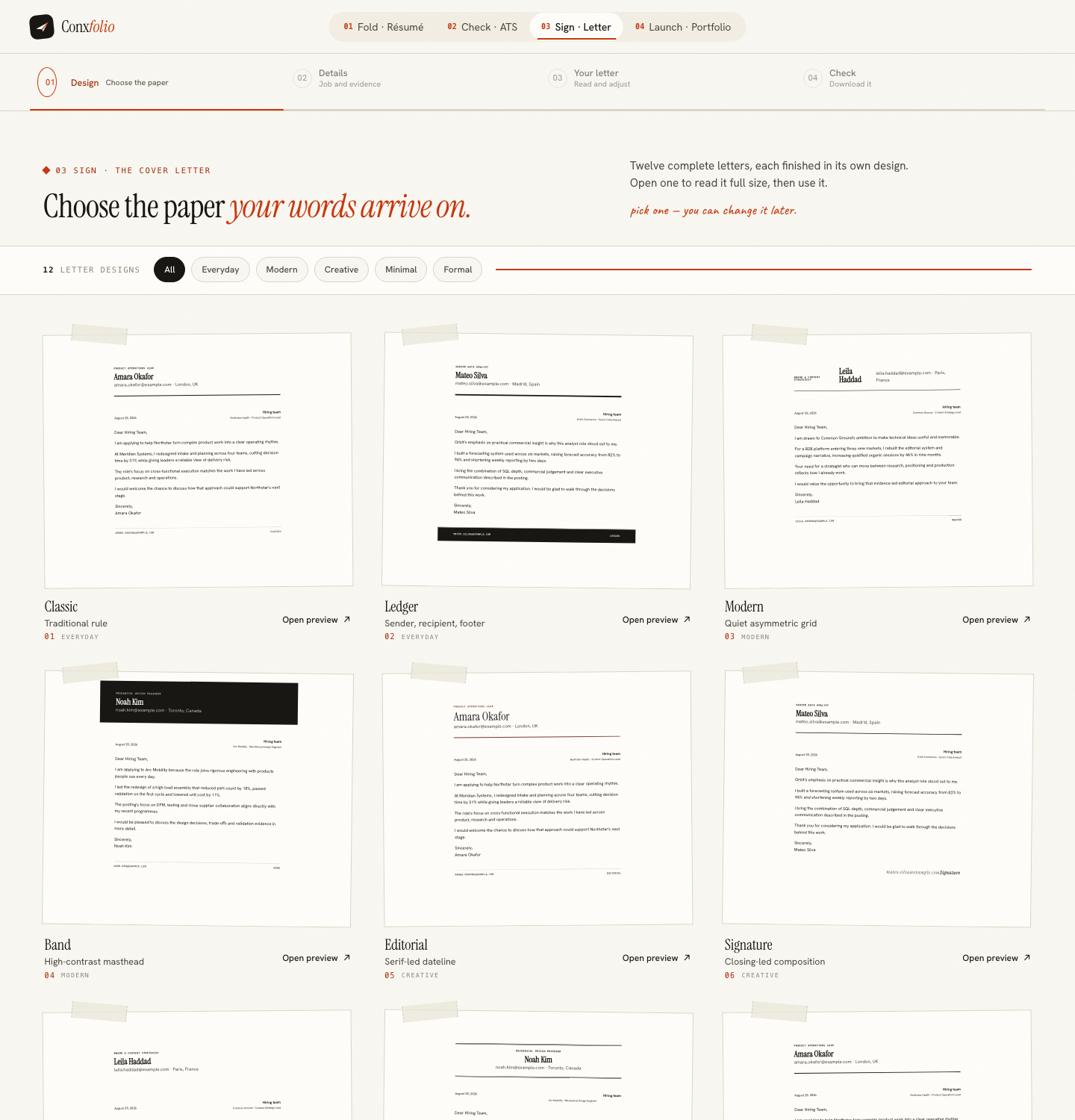
The cover letter builder exports PDF and DOCX in any of its 12 designs, free. It selects sentences out of your own résumé rather than composing new ones, which is described in why a letter only claims what the résumé shows. If you would rather paste the letter into the email body, that decision has its own page.
Checking the document without Office
The ATS checker reads the text of the document and prints its own arithmetic. It needs no software on your side and no job description. What it measures is in the checker explained, and the formatting rules in the format guide.
Working from a machine that has nothing
A library computer, a borrowed laptop or a phone all reach the same product, because the requirement is a browser and nothing else. The measurements exist for each: 0px of horizontal overflow and 0 console errors at 390, at 768, at 1024 and at 1366. What changes between them is how comfortable the typing is, and nothing about what comes out. That is the useful property of a product with no install: the constraint is the keyboard rather than the software licence, and a document written on one machine can be finished on another through the export rather than through an account.
What this page does not claim
That our DOCX is identical to a document Word would write. It is a clean file that Word, Google Docs, LibreOffice and Pages all open, and its layout follows the design you chose rather than reproducing every trick a word processor can do. If you need to keep editing after the export, that is exactly what the DOCX is labelled for, and the export is the document explains why the PDF is the one to send.
One more practical point about file names, since this is where people without Office trip up most often. The PDF exports as your name followed by the word résumé, and the DOCX as your name followed by resume, both derived from the name in the document rather than from a template. That is already close to what an inbox wants, and emailing a résumé covers the rest.
A related question people ask is whether a document written without Word will look wrong to somebody using it. The PDF will not, because a PDF carries its own fonts and layout and is identical on every machine that opens it. The DOCX can reflow slightly, in the same way any DOCX does when the reader lacks a font, which is an argument for sending PDF rather than an argument about which software made the file. Nothing in either export announces what produced it beyond an ordinary producer field in the document properties.
Write it without installing anything
A browser is the requirement. PDF and DOCX both export free, with no watermark and no account.
Open the résumé builderExport DOCX without OfficeQuestions
- Is the DOCX a real Word file
- Yes. It is an ordinary OOXML document in a zip container, which is what a .docx is. It is assembled by code running in your browser rather than by Word or by our server.
- Does the DOCX export cost anything
- No. Both exports are free, in every design, with no watermark and no account.
- Which one should I send
- PDF, unless the advert asks for DOCX. PDF is the format that arrives looking the way you left it. The trade-off is set out in PDF or DOCX, which to send.
- Can I open the DOCX without Word
- Yes. LibreOffice, Google Docs, Pages and the free web version of Word all open it. So does the person reading it, whichever of those they use.
- Does anything here need a subscription
- No. All four tools, every design and both exports are free, with nothing held back.
Conxfolio is a free set of four career tools: a résumé builder with 37 rendered layouts, an ATS résumé checker that prints its own arithmetic, a cover letter builder that traces every proof paragraph back to the line it came from, and a portfolio builder with 22 authored designs. There is no account to create, nothing is held back for a paid plan, and no language model is used anywhere in the product, so the readers, the score and the letter are deterministic code you can check.