Emailing a résumé: the file, the name and the message
An email with an attachment is still how a great many applications arrive. The file name is doing more work than people think.
— the attachment is the application; the message is the envelope.
Scoring updated on 25 September 2026. The checker now grades achievement lines in proportion instead of giving full marks after three, weighs how many lines state a result rather than a duty, asks for a date on every career entry, and gives a career written only as projects 18 of the 30 experience points. Rule values and scores quoted below were measured under the earlier rules on the dates shown; the current rules are in how the ATS score is calculated.
A great many applications still arrive as an email with an attachment, and the parts that go wrong are small and avoidable. What follows is about the file and the message, with the product's own behaviour where it matters.
The file names itself after you
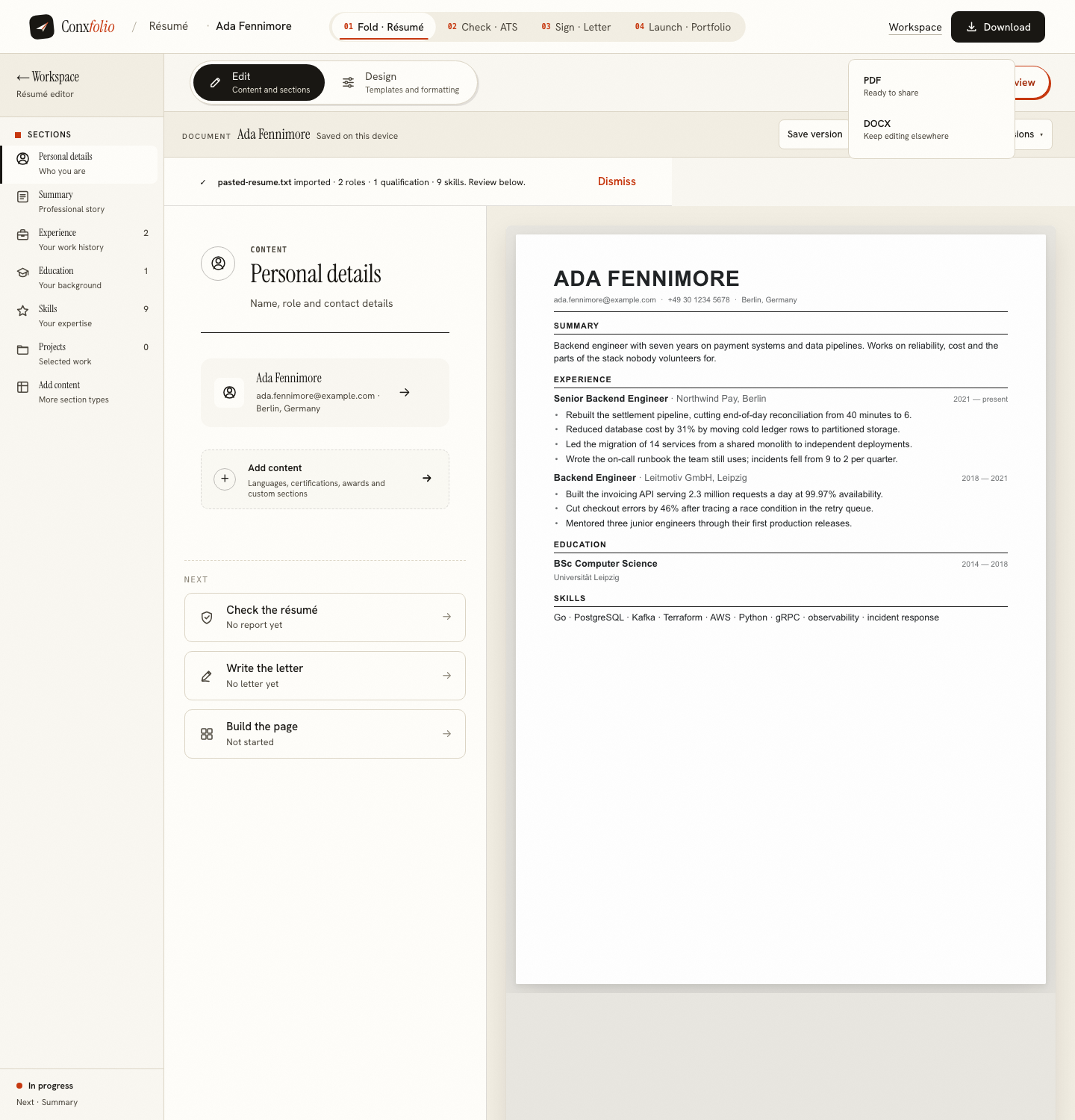
In a measured export the two files arrived as Ada Fennimore résumé.pdf and Ada-Fennimore-resume.docx, derived from the name in the document. That is already what a recipient's inbox wants: a person's name and the word résumé. A file called resume_final_v4.pdf tells the reader about your afternoon rather than about you.
Attach the PDF unless asked otherwise
PDF arrives looking the way you left it, on every machine that opens it. DOCX reflows according to the fonts the reader has, which is useful when somebody needs to edit and unhelpful when nobody does. If the advert asks for Word, send Word. The full comparison is in PDF or DOCX, which to send.
The message itself
Three lines are enough when the letter is attached: which role, one sentence of why you, and that the résumé and letter are attached. If there is no separate letter, the message body is the letter, which changes the shape of it. That decision has its own page in the cover letter in the email body.
The subject line
The role and your name, in that order, because the recipient is sorting by role and not by person. If the advert gives a reference number, it goes in the subject, because that is the thing somebody will search for later. Nothing here is clever, and clever is the wrong instinct in a subject line.
Check the document before it goes

Run the ATS checker on the text before you attach anything. It prints the words, lines and recognised headings it could read, which is the fastest way to catch a document that has quietly stopped extracting. The method is in how the score is calculated.
Sending to a person rather than a portal
An email goes to somebody's inbox, where it is read by a human and possibly forwarded into a system later. A portal upload goes straight into a system. The document that survives both is the same one, which is the argument in the ATS format guide, and the difference between the two stages is set out in parsing against screening.
Two attachments or one
If the advert asks for a letter, send it as a second file in the same message, named the same way as the résumé. Our letter export takes its name from the candidate and the company, which keeps the two files distinguishable in a folder of forty. If the advert says nothing about a letter, one attachment and three lines of message is a complete application and nobody has ever complained about it. What does cause trouble is a compressed archive, because some mail systems strip them and some readers will not open one. Send the files themselves, even when there are two.
What this page does not claim
That a particular subject line or file name gets a reply. Nothing here measures replies, and any page that tells you otherwise is guessing. It also does not claim the product sends anything: Conxfolio has no mail feature, does not know whether a message was opened, and does not track an application. What a follow-up can honestly be built from is in following up after applying.
One last mechanical check that costs ten seconds and saves an embarrassing week. Open the attachment from the sent message, not from your downloads folder. That is the file the recipient will open, and it is the only way to notice an export that did not finish, a stale version from last month, or the letter for a different company, which is the most common of the three. If you keep more than one document on the go, keeping two résumés at once is the page for the filing rather than the sending.
One more thing about timing, because it is the part nobody mentions. Send while you can still open the message afterwards. An application written at midnight and sent immediately is the one with the wrong attachment, and the mistake is invisible until somebody replies about a different company. Writing the message, attaching the files, and reading it once before sending costs a minute and catches the three faults that actually happen: the stale export, the letter for another employer, and an empty subject line.
Export the file you are going to attach
PDF to send, DOCX if the advert asks for it. Both free, both named after the document rather than after a template.
Open the résumé builderThe letter in the email bodyQuestions
- What are the exported files called
- The PDF takes your name followed by the word résumé. The DOCX takes your name followed by resume, with dashes instead of spaces. Both are derived from the name in the document.
- Should I rename the file
- Usually not. A name and the word résumé is what an inbox wants. Adding the company name is a reasonable touch if you are sending many, and a version number is not.
- PDF or DOCX in an email
- PDF, unless the advert asks for DOCX. PDF arrives looking the way you left it on every machine that opens it.
- Should the cover letter go in the body or as a file
- Either works. Sending it in the body means it is read without a click, and sending it as a file keeps the design. The letter builder exports both ways.
- Does the product send the email
- No. Nothing here sends mail on your behalf, and nothing here tracks whether a message was opened.
Conxfolio is a free set of four career tools: a résumé builder with 37 rendered layouts, an ATS résumé checker that prints its own arithmetic, a cover letter builder that traces every proof paragraph back to the line it came from, and a portfolio builder with 22 authored designs. There is no account to create, nothing is held back for a paid plan, and no language model is used anywhere in the product, so the readers, the score and the letter are deterministic code you can check.