What a shared computer keeps after you write a résumé here
A library machine, a friend's laptop, a shared family desktop. Here is exactly what stays behind, measured, and how to leave with nothing.
— kept in the browser cuts both ways, and this is the other way.
Working in a browser keeps your material off a server. The same arrangement leaves it on the machine, which is fine at home and worth thinking about in a library. Here is what was measured, so the advice below is specific rather than nervous.
What was found on the machine
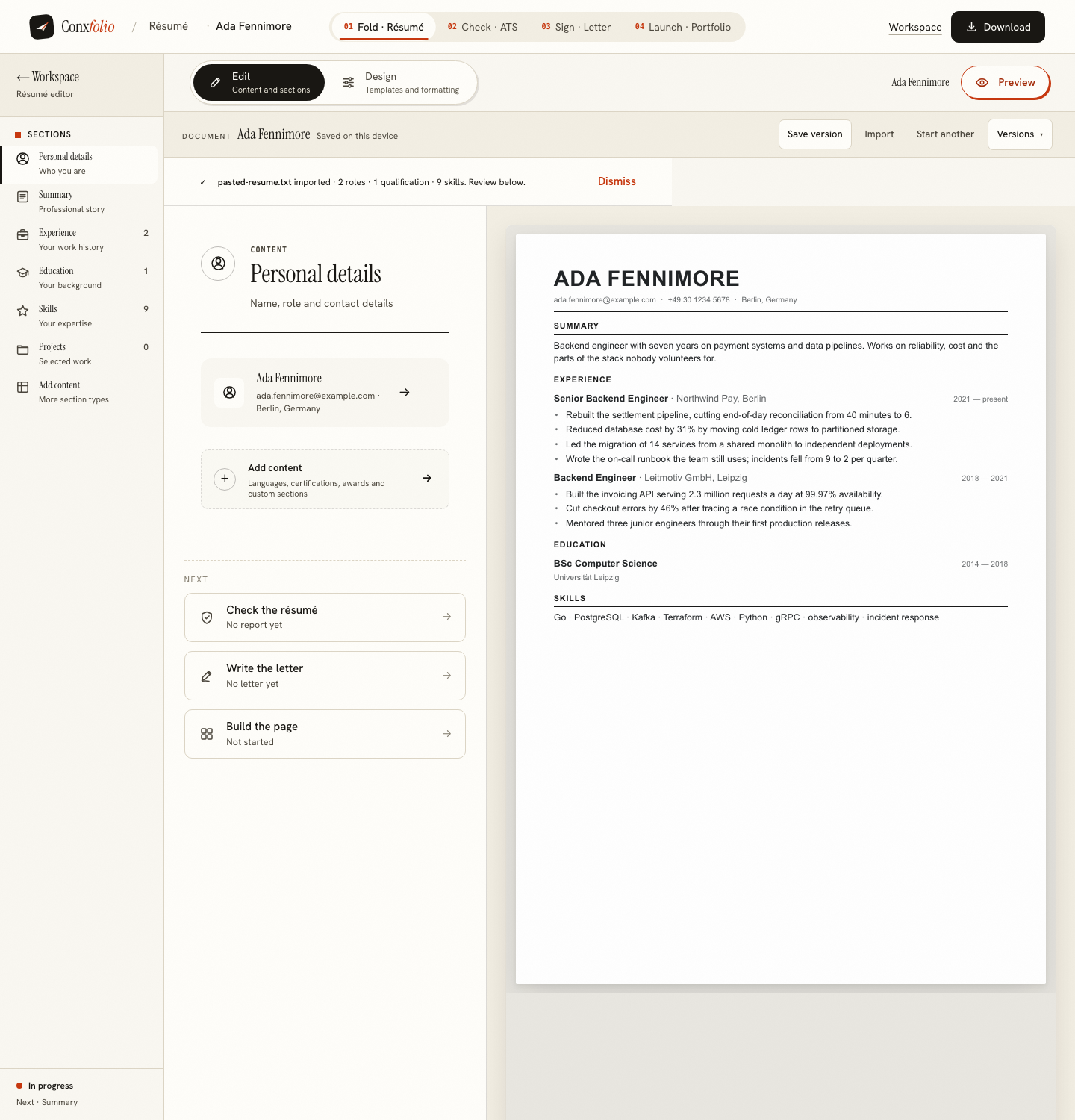
A résumé was imported into the résumé builder and a design chosen. The browser's local storage for this address then held two keys: the state of the work and a draft token. Between them, 7 882 bytes. Reading the state key back showed the candidate's name inside it, because that is what the state is.
What a second profile could see
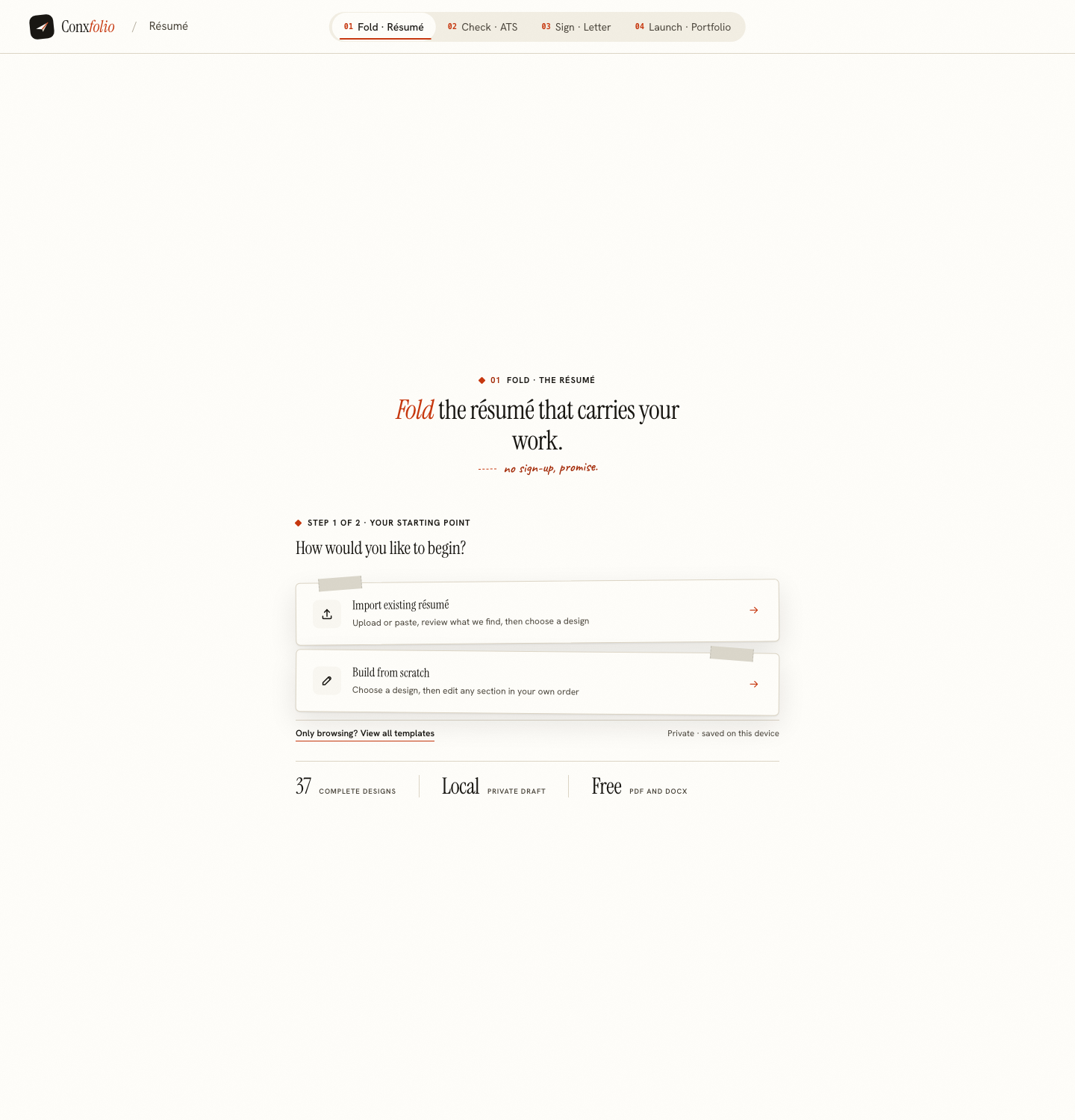
A fresh browser profile was opened at the same address in the same run. It found nothing: no state, no name, no document. Browser storage belongs to the profile, so a different account on the same computer, or a private window, starts empty.
The product says so on its own face
The editor's header carries the words "Saved on this device" beside the document name. That line is doing two jobs at once. It is the reassurance that nothing was uploaded, and it is the warning that something is here. Both are true and the second one is the one that matters in a library.
Leaving with nothing: three ways
A private window is the cleanest. Open one, work, export the PDF or DOCX to a memory stick or your own email, close the window. The storage goes with it.
If you have already worked in an ordinary window, clear site data for this address from the browser's settings. That removes both keys. Clearing the whole browser's history is the blunt version and it works too.
If you opened a published portfolio with its edit key, this browser can edit that page until you sign out of it on this device. That is a separate step, and the page it belongs to is publishing a portfolio or keeping it private.
What leaves the machine while you work
The text of your résumé goes to our server when you run the ATS check, ask for a letter draft, or export a PDF. An imported file is read in this browser first, and the file itself is sent only when this browser cannot read it. The whole list is in what happens to your uploaded résumé.
The other shared-machine problem
Downloads. Both exports land in the machine's download folder, which is not cleared by clearing site data and is often the first place the next person looks. Move the file where you want it and delete it from the folder before you leave. That is housekeeping rather than a product feature, and no website can do it for you.
The private-window habit, in order
Open a private window before you start, not after. Do the work. Export both formats, because the DOCX is assembled in the page and costs no server call while the PDF costs one. Move the files off the machine, to your own email or a memory stick. Delete them from the downloads folder, which clearing site data does not touch. Then close the window, which takes the browser storage with it. Five steps, none of them clever, and together they leave a machine you do not control holding nothing of yours. The single step people skip is the fourth, and it is the only one that leaves a copy of your address and phone number behind.
What this page does not claim
That a shared computer is safe. A machine you do not control may run anything, including software that records what you type, and no website can tell you otherwise. What is claimed is bounded: this product creates two local keys at this address, a second profile sees none of it, and clearing site data removes them. If the machine itself is not trustworthy, use a phone instead, which is measured in writing a résumé on a phone.
A last note for anyone helping somebody else on their own machine. Their work and yours cannot coexist in one browser profile, because there is one state key per address and the newer import replaces the older one. Export first, or use a second profile. Checking someone else's résumé covers the same problem from the other side, and keeping two résumés at once covers it when both documents are yours.
One thing worth saying plainly for anybody using a library machine under time pressure. If you have ten minutes and a document already written, the fastest safe route is to open a private window, paste the text into the ATS checker, read the report, and leave. That path never stores a document, never uploads a file, and produces the one diagnosis worth having before an application goes out. The builder, the letter and the portfolio are all worth the longer session, and none of them is worth rushing on a machine you are about to walk away from.
Work here, then leave nothing
No account to sign out of. Export what you made, clear the site data for this address, and the machine holds nothing.
Open the résumé builderWhat happens to an uploaded résuméQuestions
- What is actually stored on the machine
- Two keys in that browser's local storage for this address. On a measured import they held 7 882 bytes between them, and the state key contained the candidate's name.
- Can the next person see it
- In the same browser profile, yes, by opening the same address. In a different profile, no: a clean profile opening the same address found nothing at all.
- How do I remove it
- Clear site data for this address in the browser's settings, which removes both keys. A private window is the simpler version of the same thing, because it starts empty and ends empty.
- Is there an account to sign out of
- No. There is no account, so there is nothing to sign out of. If you opened a published portfolio with its edit key, you can sign out of that page on this device.
- Does the server keep a copy
- The text is sent when you run the check, ask for a draft or export a PDF. The render route writes nothing to disk or to a database. Nothing else about you is stored unless you publish a portfolio.
Conxfolio is a free set of four career tools: a résumé builder with 37 rendered layouts, an ATS résumé checker that prints its own arithmetic, a cover letter builder that traces every proof paragraph back to the line it came from, and a portfolio builder with 22 authored designs. There is no account to create, nothing is held back for a paid plan, and no language model is used anywhere in the product, so the readers, the score and the letter are deterministic code you can check.