Applying from a Chromebook, measured at 1366 pixels
A Chromebook runs a browser and very little else. That is the entire system requirement here, and we measured the three tools at the width a Chromebook gives you.
— nothing to install is the point, not a limitation.
Scoring updated on 25 September 2026. The checker now grades achievement lines in proportion instead of giving full marks after three, weighs how many lines state a result rather than a duty, asks for a date on every career entry, and gives a career written only as projects 18 of the 30 experience points. Rule values and scores quoted below were measured under the earlier rules on the dates shown; the current rules are in how the ATS score is calculated.
A Chromebook is a browser with a keyboard attached. That makes it a poor host for installed software and a perfectly good one for a website, which is what the résumé builder is. There is nothing to download, nothing to license and nothing to keep updated.
Measured at the Chromebook's own width
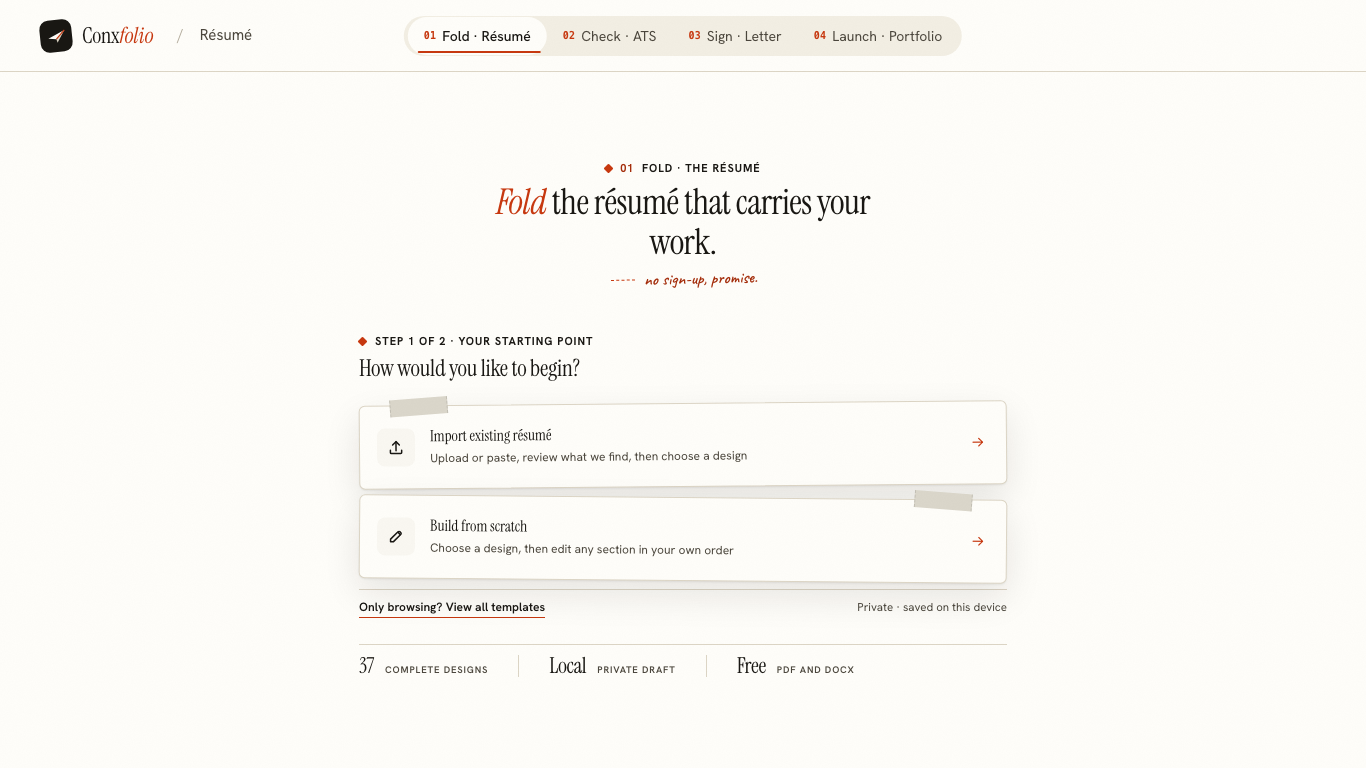
1366 by 768 is the commonest Chromebook screen. A headless browser was set to exactly that viewport, three addresses were loaded to network idle, and two numbers were read off each: horizontal overflow, and console errors during the visit.
| Address at 1366 × 768 | Horizontal overflow | Console errors |
|---|---|---|
| /resume-builder | 0px | 0 |
| /ats-resume-checker | 0px | 0 |
| /cover-letter-builder | 0px | 0 |
The editor at that width
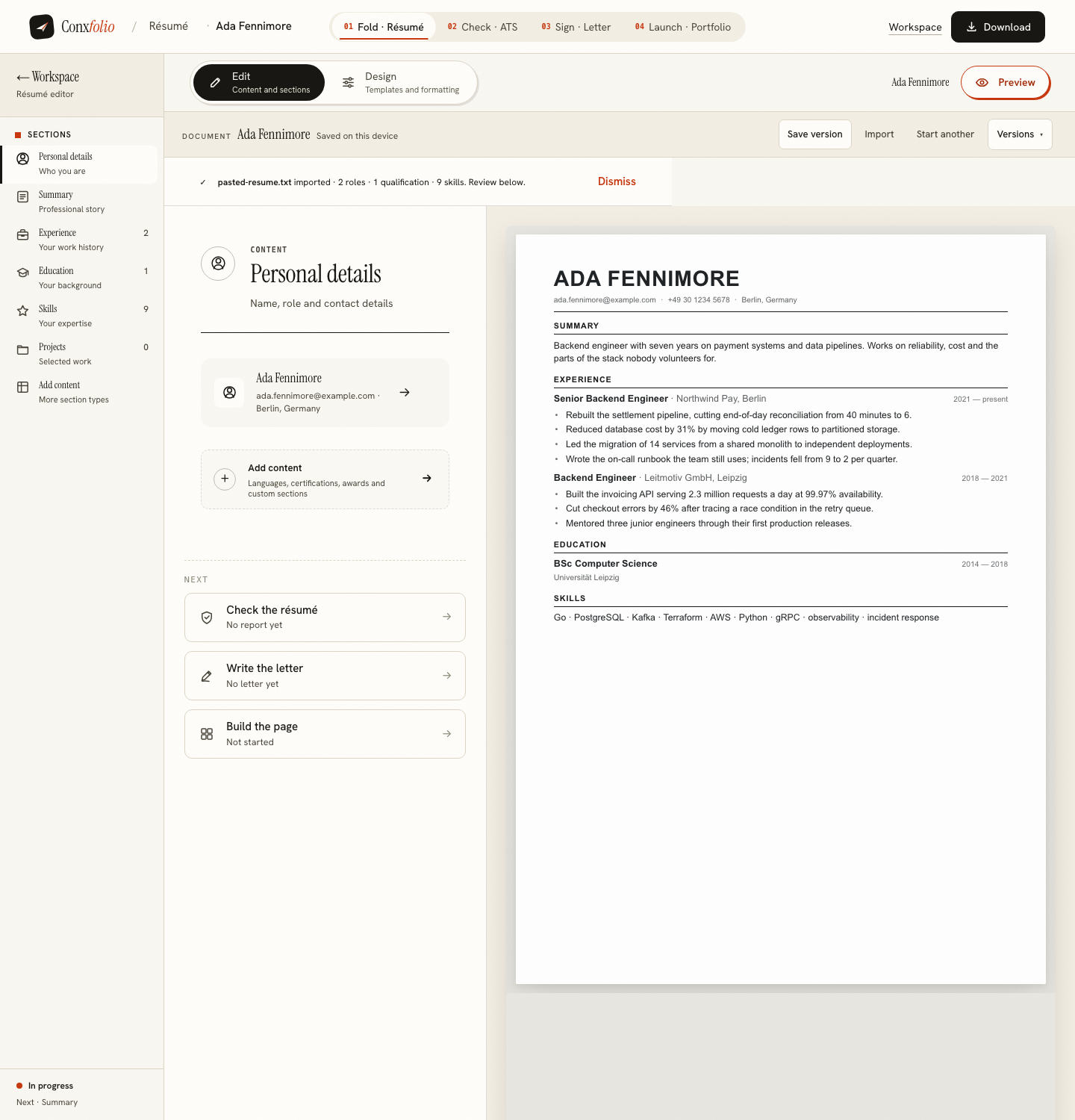
768 pixels of height is the tighter constraint on a Chromebook, and it is the reason the editor keeps its sections as a list you open one at a time rather than as one long form. You scroll inside a section instead of scrolling past nine of them to reach the tenth.
No Office, and nothing missing
A Chromebook does not run Word, which matters for one thing only: what you can open at the end. Both exports are free and neither needs Office. The DOCX is assembled inside the browser itself, so it works on a machine with nothing installed, and the PDF is rendered on our server and downloaded. The longer version of that argument is in applying with no Microsoft Office and in exporting DOCX without Office.
Importing the résumé you already have
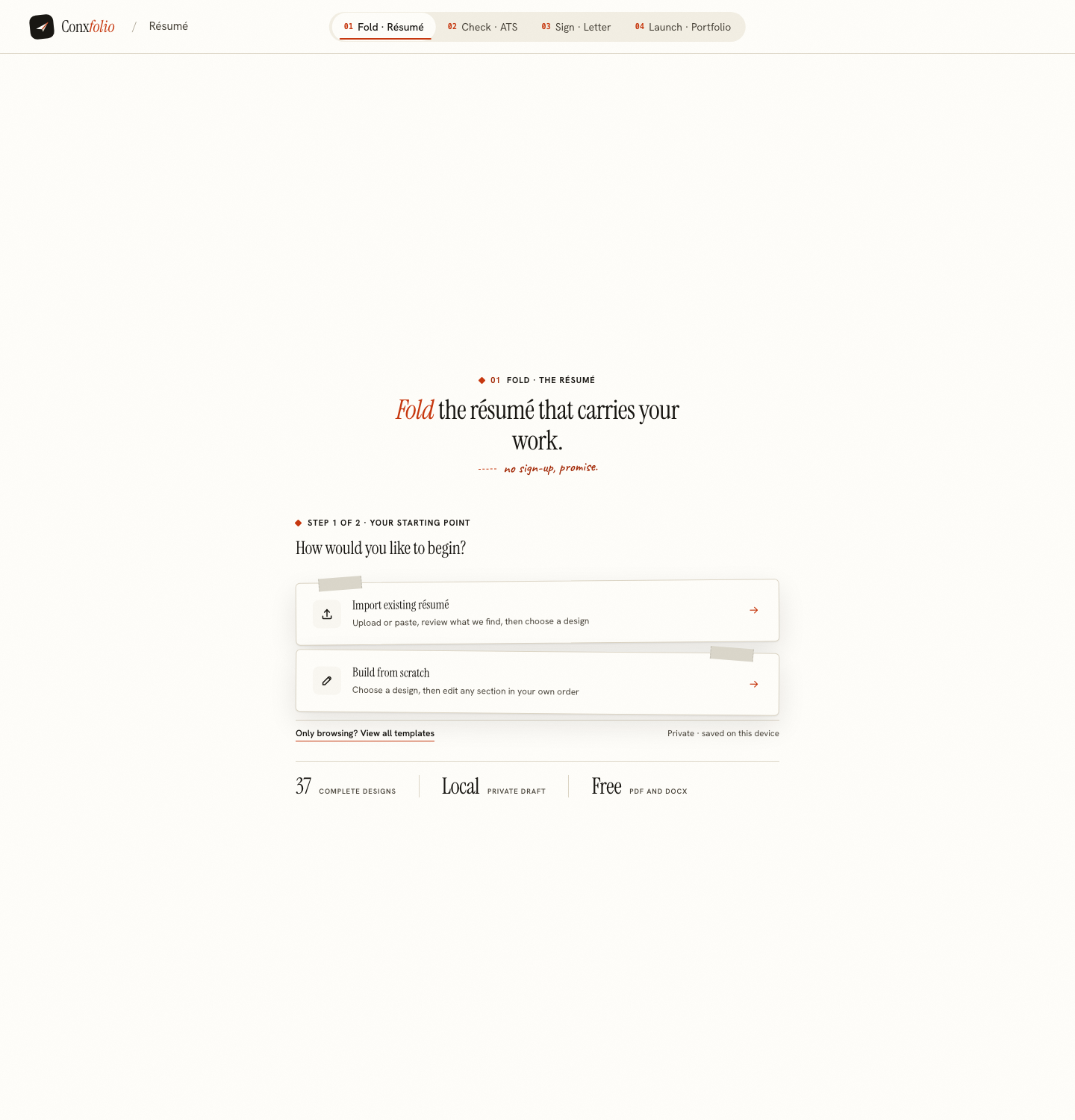
If the old résumé is in Google Drive, download it and upload it here, or open it and paste the text. The file is read in this browser first, and only the text it contains is sent to be sorted into fields. What that reading produces, and what it refuses to invent, is in what the import review catches.
Checking it on the same machine
The ATS résumé checker measured 0px of overflow at 1366 as well, and its report prints its own arithmetic rather than a bare number. On a measured run on 26 September the specimen document scored 100 × 30% + 100 × 30% + 71 × 40% = 88. The method is set out in how the score is calculated, and the format rules behind it in the ATS format guide.
A school or work Chromebook
Managed machines are the ordinary case for Chromebooks, and two things follow. A filter may block sites, and we cannot see your filter from here. And the browser profile may be shared or reset, which matters because your work lives in that browser. Applying on a shared computer covers what is kept and what a second profile can see, which was measured as nothing at all.
Where the work is saved, and getting it off the machine
In that browser profile, which matters on a Chromebook more than elsewhere because the machine is often signed in as somebody else or reset by a school. The measured state after an import was two local keys holding 7 882 bytes. Nothing is uploaded until you run a check, ask for a draft or export a PDF, so the practical rule is to export as soon as the document is worth keeping and put the file somewhere you control. Both exports are free, so there is no reason to leave it only in the browser overnight. Moving a résumé between devices covers the handover to a laptop or a phone.
What this page does not claim
That every Chromebook will behave like the one we measured. Older machines are slower, and a managed network can block anything. The claim is the measurement: at 1366 by 768, on these three addresses, nothing overflowed and nothing errored. For the same measurement at other sizes, see a phone at 390 and a tablet at 768 and 1024.
One practical note about the network rather than the machine. A Chromebook on school wifi is often on a slow connection, and the first load is the expensive part: 51 requests and about 3 MB of uncompressed bytes, most of it one application file, after which the work happens in the page. Low-bandwidth applications has the measurement and what it means for a bad connection.
One more thing specific to managed machines, because it decides whether any of this is usable at your school or workplace. Extensions and policies can block site data, and a browser configured to clear everything on sign-out will take your document with it. The symptom is a start step that is empty every time you come back. If that happens, the answer is to export after every session rather than to fight the policy, and both exports are free so the habit costs nothing beyond a click at the end.
Open it in the browser you already have
No install, no Office, no account. Import a résumé or start from scratch, and export PDF and DOCX when you are done.
Open the résumé builderThe Chromebook walkthroughQuestions
- Do I need to install anything from the Play Store
- No. Conxfolio is a website. The browser on the Chromebook is the whole requirement, and there is nothing to keep updated.
- Can I open the DOCX afterwards
- A Chromebook opens DOCX in Google Docs, and most other people open it in Word. The file our builder writes is an ordinary OOXML document, assembled in the browser rather than by a server.
- What was measured at 1366
- Horizontal overflow and console errors on three addresses, taken in a headless browser at a 1366 by 768 viewport. All six numbers came back 0.
- Will a school-managed Chromebook block it
- That depends on the filter your school runs, and we cannot see it from here. The product itself needs nothing beyond the browser and the network.
- Where is my work stored
- In that browser, on that Chromebook. There is no account. If the machine is shared, read what a shared computer keeps before you start.
Conxfolio is a free set of four career tools: a résumé builder with 37 rendered layouts, an ATS résumé checker that prints its own arithmetic, a cover letter builder that traces every proof paragraph back to the line it came from, and a portfolio builder with 22 authored designs. There is no account to create, nothing is held back for a paid plan, and no language model is used anywhere in the product, so the readers, the score and the letter are deterministic code you can check.