We measured the DOCX export: zero network requests
A free Word export usually means an upload, a server, a queue and a copy of your résumé on somebody's disk. This one is a zip file built where you are sitting.
— the shortest path between your data and your disk is no path at all.
Free Word export is the standard bait in this category. You build the document, you like it, you click DOCX, and you meet an account wall, a watermark or a payment page. Underneath, almost all of them do the same thing: upload your data, generate the file on a server, hand you a link.
The résumé builder here builds the Word file in the page you are looking at, and we measured it rather than asserting it.
What we measured
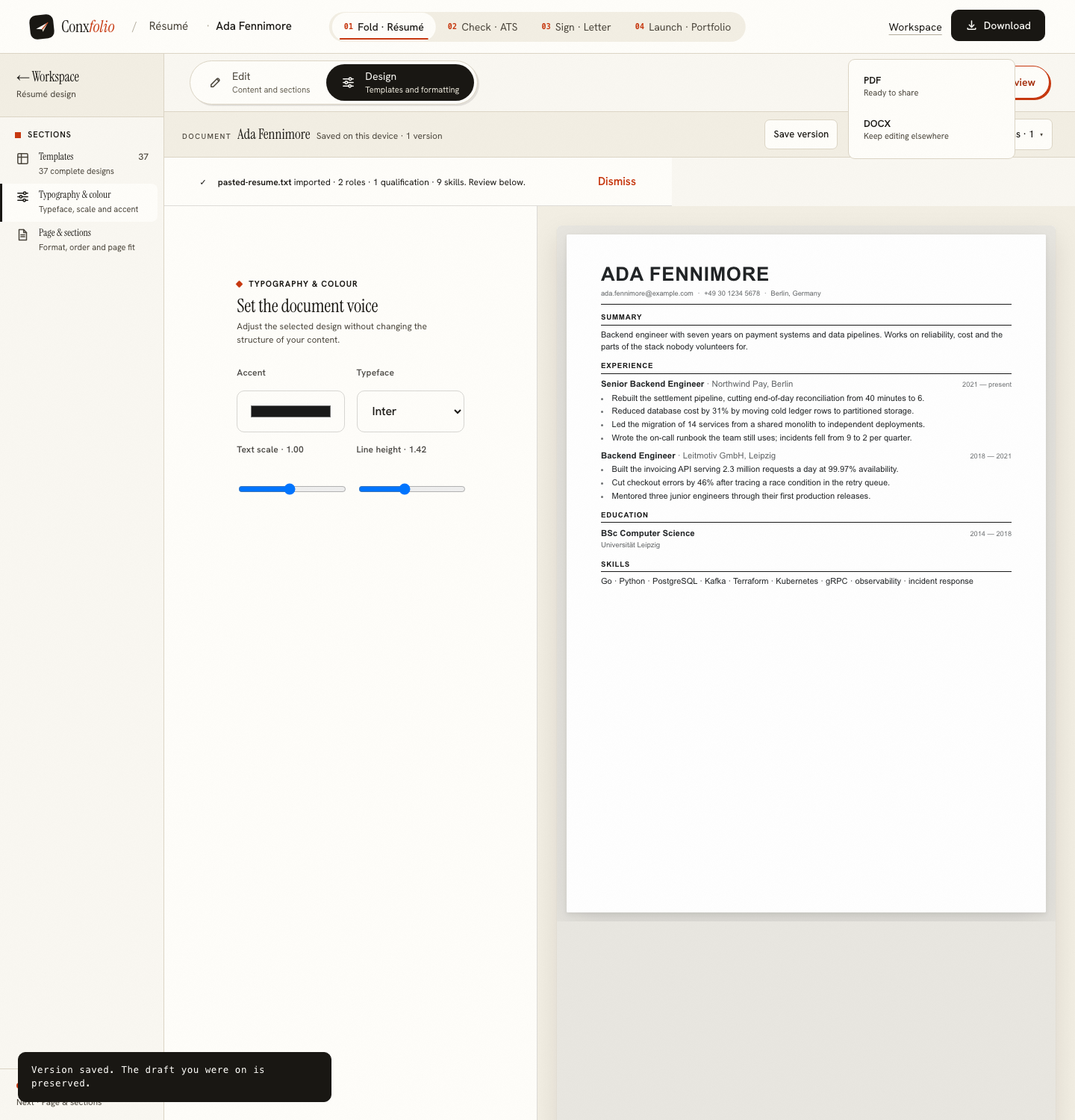
We drove the real product in a headless browser: imported a résumé for Ada Fennimore, an invented candidate, chose a design, opened the download menu and took both exports, recording every network request the page made. The DOCX arrived as a file named after the candidate with zero network requests during the export. The PDF arrived with two, one of them a POST to the render route that draws it.
How a zip gets built in a page
A .docx file is a zip archive containing a few XML parts: a content-types declaration, a relationships file and the document itself. The export writes those three parts as text, encodes them, and assembles the zip container by hand in the browser, entry by entry, with the central directory written last. The typeface family and the accent colour from your design are carried into the paragraph properties, so the file opens looking like the document rather than like a plain text dump.
Why it matters more than it sounds
Your résumé is a list of where you have worked, what you were paid to do, your phone number and your address. Every copy of it that exists somewhere else is a copy you cannot delete. An export that never leaves the page is one fewer copy, and it is also one fewer service that has to stay up for your download to work.
The PDF is honest about being different
A PDF has to be laid out. To look like the design you chose it goes through a rendering engine, which means the document data is sent to the render route and the file comes back. That route writes nothing to disk and nothing to a database, and it is one of the small number of addresses this product calls at all. We put the result of that render through the checker afterwards, which is written up in pulling text back out of a PDF.
Where the rest of your work lives
In this browser, under a single storage key, written and then read back before the product will tell you it saved. There is no account, which is a design decision with consequences worth stating plainly, and they are stated in why there is no account.
Which file to send
Send the PDF unless there is a reason not to. It arrives looking the way you left it, it cannot be edited by accident on the way, and the text still comes out of it, which we checked by feeding our own export back into the checker in pulling text back out of a PDF.
Send the DOCX when the posting asks for it in those words, when an agency has said it will edit the file before passing it on, or when you want to keep working on the document in another editor later. Both are free here and neither carries a watermark, so the choice is about the recipient rather than about a plan. What the Word file carries is the text, the typeface family and the accent colour from your design. What it does not carry is the exact rendered layout, which belongs to the PDF.
What this does not mean
It does not mean nothing is ever sent. The text of a résumé is sent when you run the ATS check, when you ask for a letter draft, and when you export a PDF. It does not mean a DOCX is safer for an employer's software either; the format an applicant tracking system reads best depends on the system, and what you can control is the layout, which is the subject of what ATS-safe means on a design. What the measurement means is exactly what it says: during the DOCX export, nothing left the page.
Export a DOCX and watch the network
Build or import a résumé, open the download menu and take the DOCX. It is free, it carries no watermark, and nothing leaves the page to make it.
Open the résumé builderRead the PDF round tripQuestions
- Is the DOCX export really free
- Yes, and so is the PDF. Every design, both formats, no watermark and no account. Nothing in the product requires an email address; a recovery email for your edit key is optional.
- How did you measure zero requests
- By recording every network request the page made during a real export in a headless browser driving the running product, then counting the ones that occurred between the click and the file arriving. The DOCX export produced none. The PDF export produced two, one of which was the render.
- Why is the PDF rendered on a server then
- Because a PDF has to be laid out by a rendering engine to look like the design you chose. That route renders the document and returns the file; it writes nothing to disk and nothing to a database.
- Will the DOCX keep my design
- It keeps the document's text, its typeface family and its accent colour, in an editable Word file. It is the format to take when you want to keep working somewhere else. The PDF is the one that carries the design as rendered.
- Which should I send to an employer
- Usually the PDF, because it arrives looking the way you left it. Send DOCX when the posting asks for it, or when an agency has said it will edit the file.
Conxfolio is a free set of four career tools: a résumé builder with 37 rendered layouts, an ATS résumé checker that prints its own arithmetic, a cover letter builder that traces every proof paragraph back to the line it came from, and a portfolio builder with 22 authored designs. There is no account to create, nothing is held back for a paid plan, and no language model is used anywhere in the product, so the readers, the score and the letter are deterministic code you can check.