Printing the document, and what the printer actually receives
Interviews, job centres and reception desks still ask for paper. Print the export rather than the page, and here is why.
— the PDF is the document; the browser window is not.
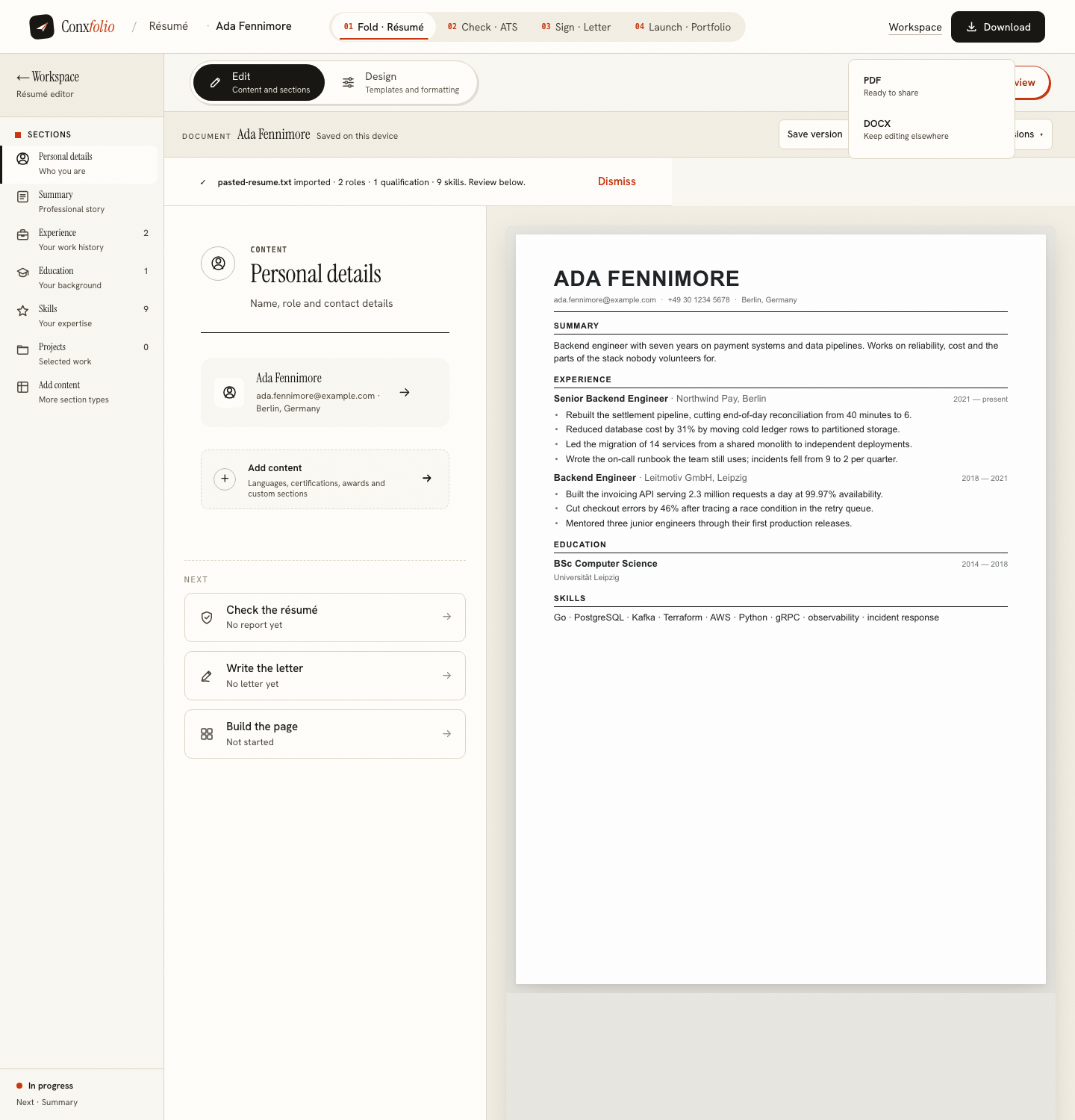
Paper still turns up in a job search: an interview you take a copy to, a job centre that wants one in the file, a reception desk with a clipboard. Getting it right takes one rule and one setting.
The rule: print the export
The PDF is rendered from the design itself, so its margins, its typography and its page breaks are the ones the design intends. Printing that file gives you the paper the design was drawn for.
Why the browser's print command is the wrong road
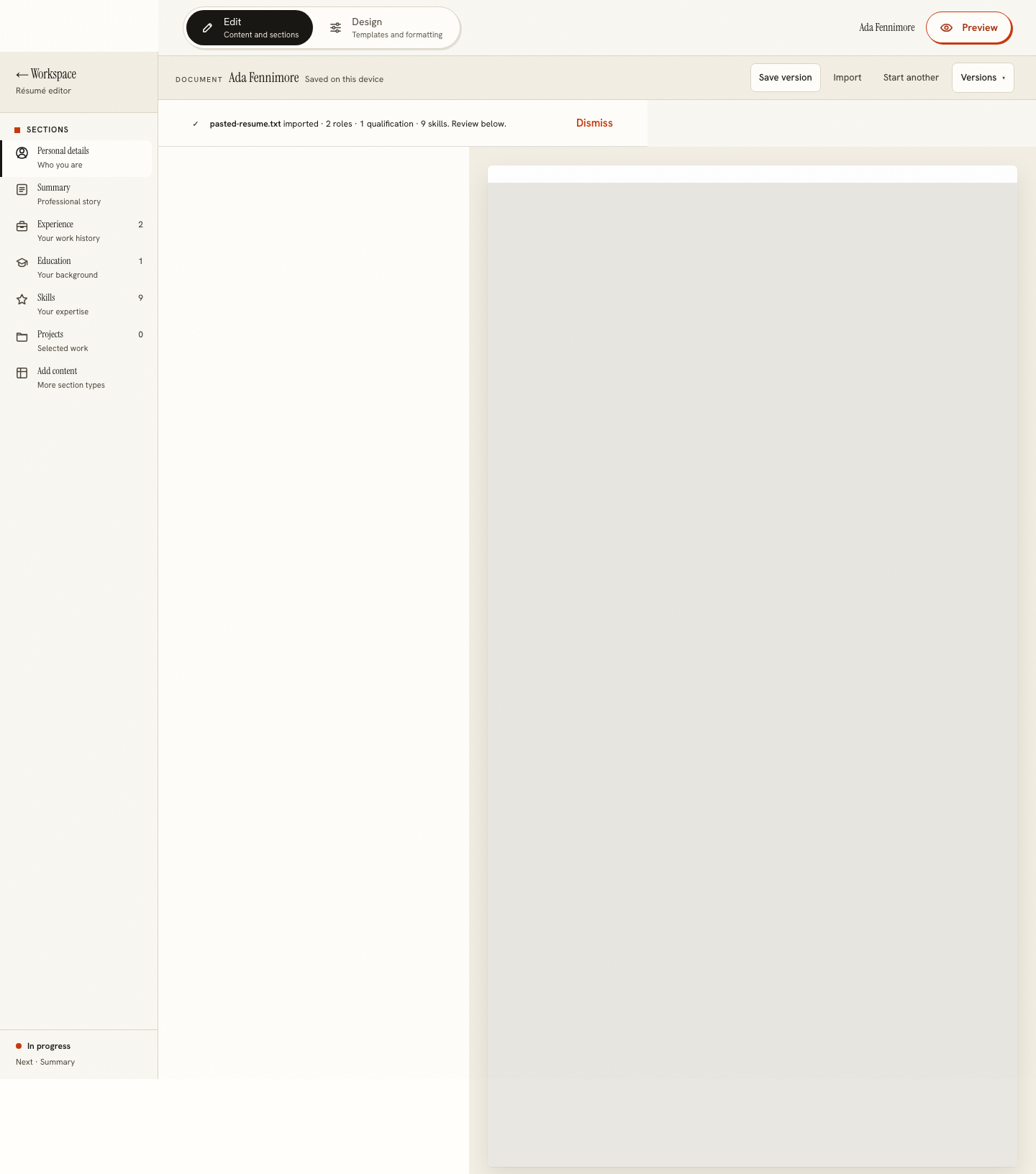
We rendered the builder under print media rules to see what a browser would send. The main region measured 1 220 by 1 632 css pixels and contained the editing surface. The browser prints the page in front of you, and the page in front of you is a tool with a document inside it. The export exists precisely so that distinction does not have to be argued about, which is the point of the export is the document.
The setting: A4 or US Letter, before you export
The Design side of the editor offers both page formats. A4 is 210 by 297 mm and standard across Europe; US Letter is 8.5 by 11 inches and standard in the United States. They are different enough that a document laid out for one can break onto a second page on the other. Choose the one your reader uses, then export. Doing it the other way round means exporting twice.
Designs that print well
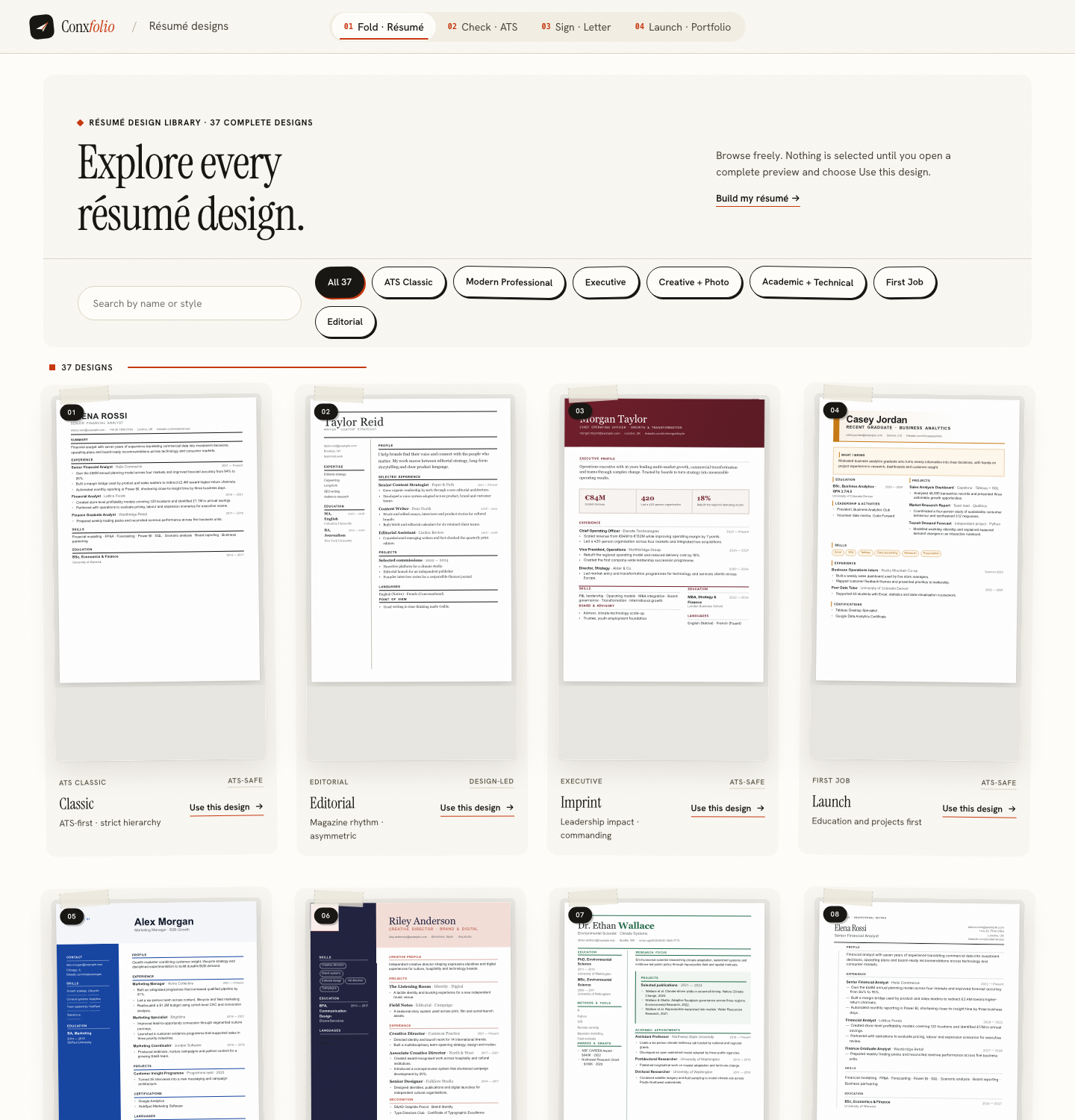
Most printers drop background colours unless you ask them not to, so a design that fills a band with colour can come out as a white band with pale text. Designs that use colour as ink survive that. The general argument is in colour on a résumé, and the typography half in typography on a résumé.
The second page question
On paper a stray second page carrying three lines looks worse than it does on a screen, because a reader is holding both sheets. The text scale and line height controls under Typography & colour are the lever, and the reasoning is in white space and the second page. Whether two pages is acceptable at all is covered in why two pages is usually fine.
Printing the letter too
The cover letter builder exports PDF and DOCX in any of its 12 designs, and the same rule applies: print the export. A letter carried to an interview is usually unsigned on paper and signed by hand, and what the product does about an unsigned letter is in the unsigned-letter rule.
What to check on the first printed copy
Four things, in the order they go wrong. Whether the margins survived, because a printer set to fit-to-page shrinks everything by a few per cent and pushes the text inward. Whether any colour band printed as a pale box, which happens when the printer drops background colours. Whether the page break landed where the design intended, which is the commonest difference between screen and paper. And whether the contact line is readable at arm's length, because it is the one part of the document somebody will copy by hand. All four are visible on a single copy, and none of them is visible on a screen.
What this page does not claim
That the paper will match the screen exactly. Printers differ in how they handle colour, margins and scaling, and a printer set to fit-to-page will shrink the document by a few per cent. The reliable part is the file: the PDF is rendered from the design and is the same on every machine that opens it. Anything beyond that belongs to the printer driver.
A practical last step, because it catches people out at the wrong moment. Print one copy and read it on paper before you need six. Line breaks that looked fine on a screen sometimes land badly, an address can sit too close to the trim, and a second page with two lines on it is easier to see in your hand. The step-by-step version of all of this, including the print dialogue itself, is in printing a résumé correctly.
A last point about quantity. Print one copy, read it, fix whatever it shows, and only then print the rest. People do this in the opposite order, discover a margin problem on the sixth sheet, and either reprint everything or take the flawed copies anyway. Two copies to an interview is the usual sensible number, one for you and one for whoever did not bring theirs, and both should come from the same corrected export rather than from two different attempts.
Export first, then print
Choose A4 or US Letter on the Design side of the editor, under Page & sections, export the PDF, and print that file. The paper then matches the document.
Open the résumé builderThe printing walkthroughQuestions
- Should I use the browser's print command
- No. Export the PDF and print that. The browser prints the page you are looking at, which is the application rather than the document.
- What did you measure
- The builder was rendered under print media rules in a headless browser. The main region came out at 1 220 by 1 632 css pixels, which is the application laid out for paper rather than a clean résumé page.
- A4 or US Letter
- Choose it before you export. The Design side of the editor offers both, and the choice changes where the page breaks fall, so deciding afterwards means re-exporting.
- Will the colours print
- That depends on your printer settings, and most printers default to letting background colours drop. Designs that carry colour as ink rather than as a filled block survive that better.
- Does printing cost anything here
- No. The PDF export is free, in any design, with no watermark.
Conxfolio is a free set of four career tools: a résumé builder with 37 rendered layouts, an ATS résumé checker that prints its own arithmetic, a cover letter builder that traces every proof paragraph back to the line it came from, and a portfolio builder with 22 authored designs. There is no account to create, nothing is held back for a paid plan, and no language model is used anywhere in the product, so the readers, the score and the letter are deterministic code you can check.