What our exported PDF carries, and what it does not
Accessibility claims are easy to make and easy to check. We opened our own exported PDF and read what is inside it.
— an untagged PDF is a fact worth printing, not hiding.
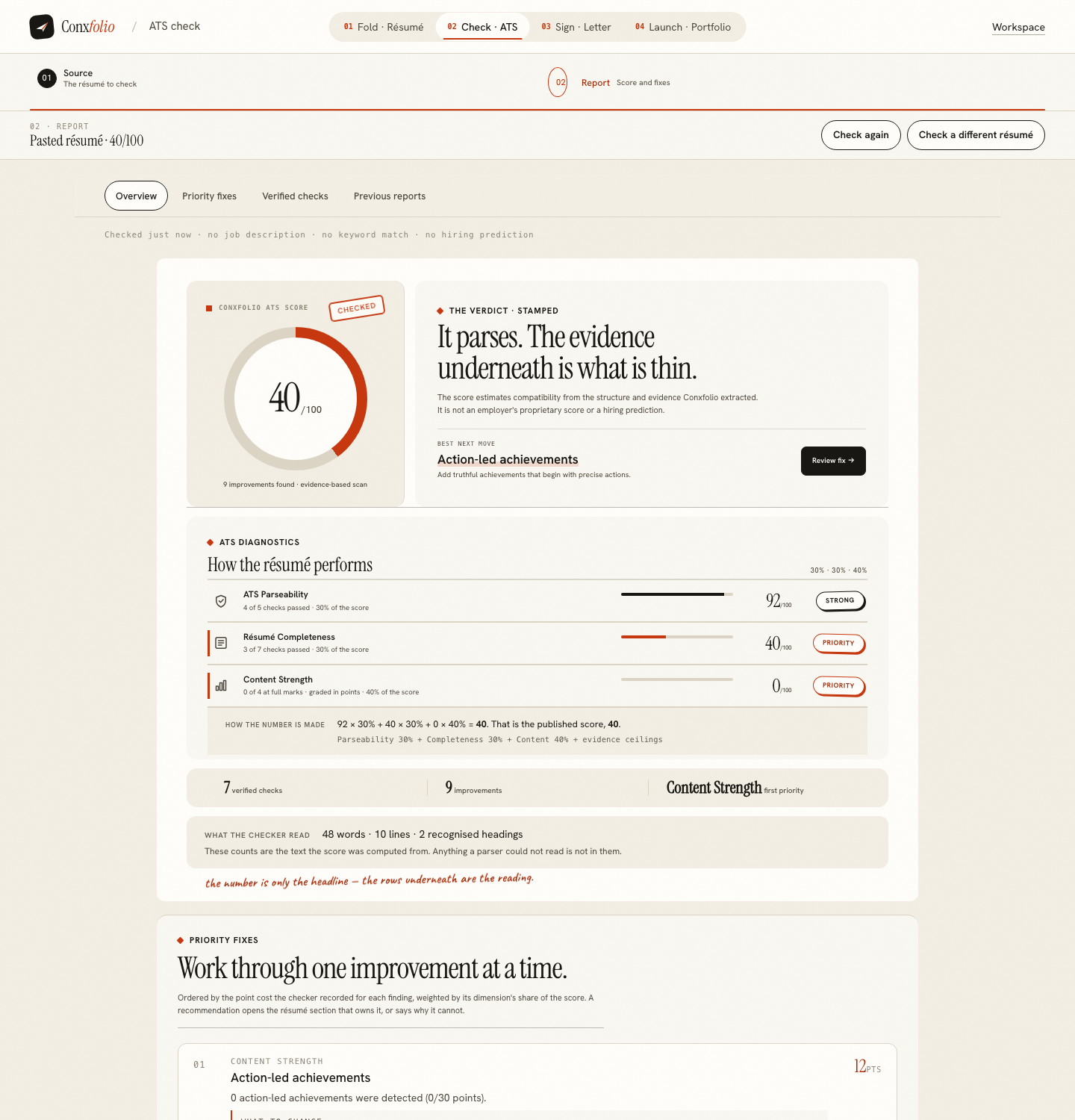
Scoring updated on 25 September 2026. The checker now grades achievement lines in proportion instead of giving full marks after three, weighs how many lines state a result rather than a duty, asks for a date on every career entry, and gives a career written only as projects 18 of the 30 experience points. Rule values and scores quoted below were measured under the earlier rules on the dates shown; the current rules are in how the ATS score is calculated.
An accessible PDF is a specific technical thing rather than a feeling about one. It has a structure tree that names headings, lists and paragraphs, so assistive software can move through the document by structure instead of reading it as one block of text. We exported a résumé from the résumé builder and opened the file to see what ours has.
What the export carries
| Property | In our export |
|---|---|
| Extractable text | Yes, in a single sensible reading order |
| Bullet characters in the text | Yes, 7 of them on the specimen |
| Document title | Yes, the candidate's name and the word résumé |
| Display the title in the viewer | Yes, requested in the file |
| Structure tree | No |
| Marked content declaration | No |
That is an untagged PDF with a clean text layer, which is the ordinary output of a browser rendering engine and is what our render route uses.
What that means in practice
A screen reader can open the file and speak it, in order, from the name at the top to the last skill. What it cannot do is jump to the Experience heading, list the headings, or treat the achievement lines as a list, because nothing in the file says those things are headings and a list. The words are there; the map is not.
The bullet detail, and why it changed
Until recently our exported PDFs drew bullets as layout, so the text layer had none. That was measured on 12 September, when the same résumé scored 97 pasted and 94 as an export, and it is written up in pulling text back out of a PDF. The fix put real bullet characters into the text layer, and today's export carries 7 of them. Extraction and speech both benefit from that, so it is worth naming.
The reading order is the part that matters most
A two-column design can produce a text layer that reads across the columns, so a job title arrives in the middle of somebody's education. That damages extraction and speech in exactly the same way. Our ATS checker deducts for a detected multi-column pattern, and the argument is set out in single column against two column.
Choosing a design with this in mind
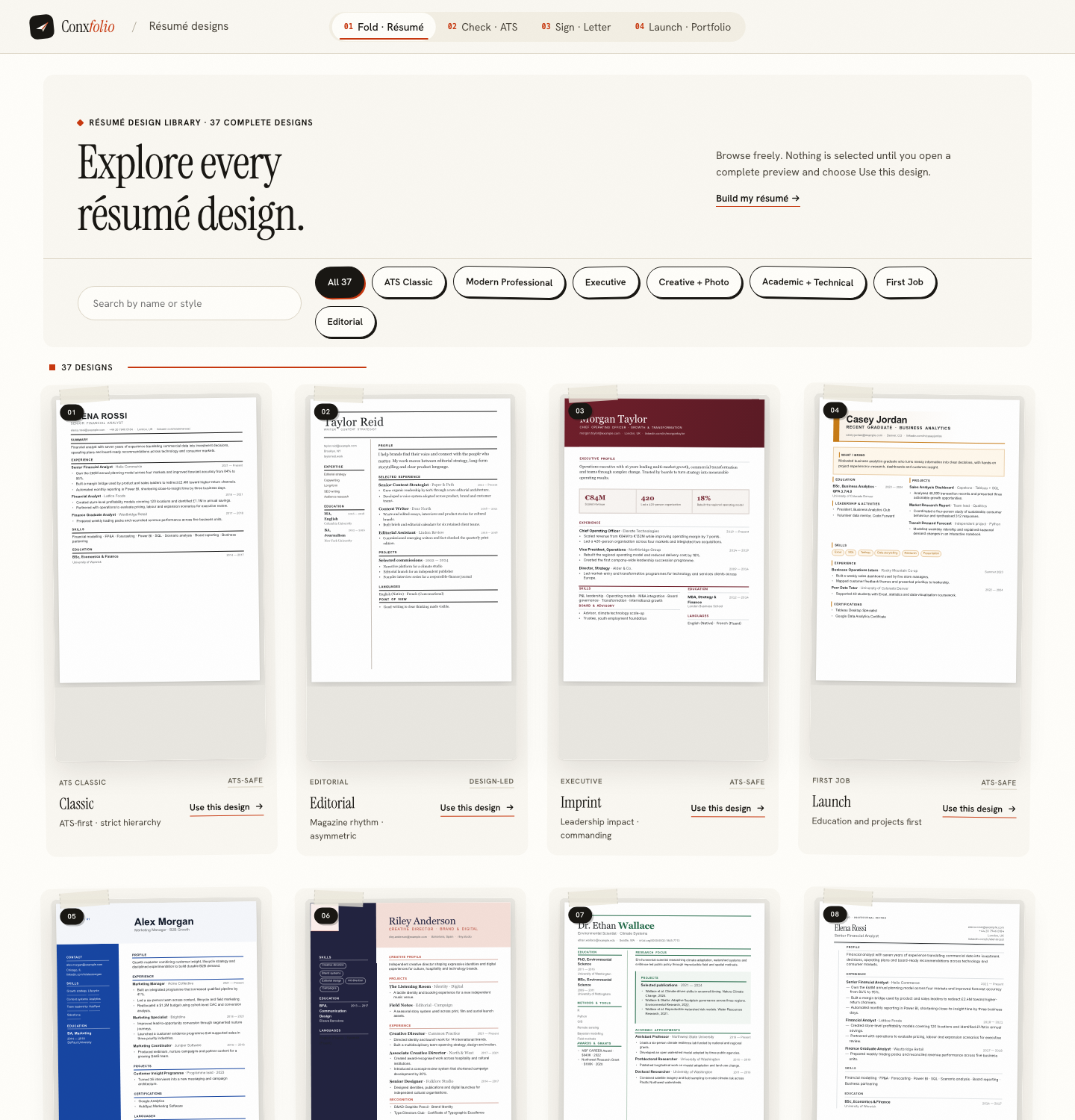
The designs marked ATS-safe are single-column with headings in a predictable order, which is also the arrangement that extracts most cleanly. What the mark actually guarantees is in what ATS-safe means on a design.
If you know the reader uses assistive software
Send the DOCX. A word-processing document carries paragraph styles, so headings are marked as headings, and that is more structure than an untagged PDF has. Both exports are free here, so this costs nothing but a second click, and PDF or DOCX, which to send covers the general case.
What a tagged PDF would add
A structure tree names each block: this is a heading of level two, this is a list, this is a paragraph. With one, assistive software can list the headings, jump between them, and announce a set of achievement lines as a list of four items. Without one, the same words arrive as continuous text in the order they were drawn. That is the whole of the difference, and it is why the honest description of our export is readable and not navigable. The reading order being correct is the part that matters most and the part we do have, because an untagged file with a scrambled order is unusable rather than merely inconvenient.
What this page does not claim
That our PDF is accessible in the sense a standard means. It is not tagged, we checked rather than guessed, and this page will change the day that changes. It also makes no claim about employer systems: what a recruiting platform does with an uploaded file is invisible from here, which is the same honesty as parsing against screening.
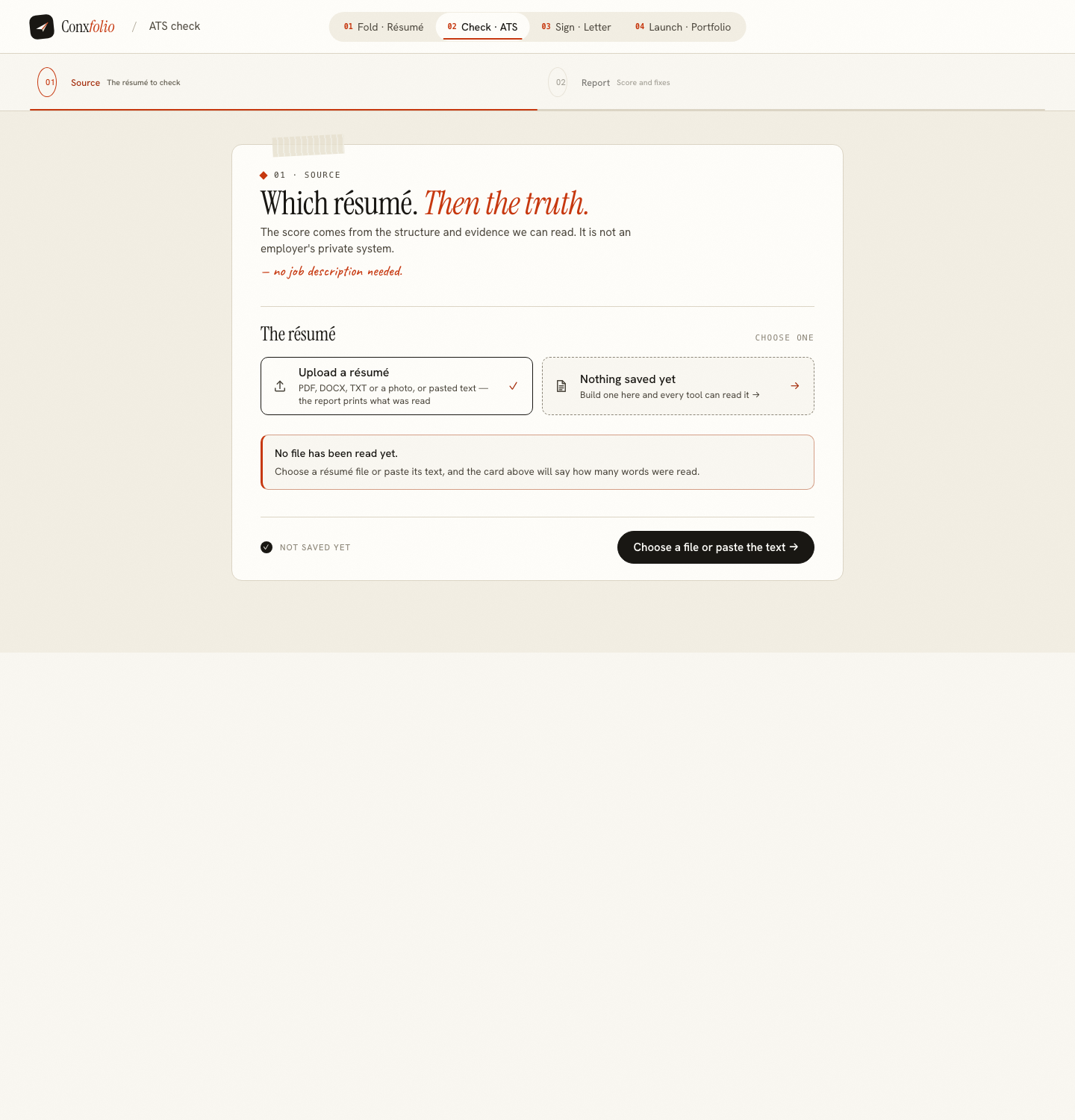
One practical note for anyone whose own reading is the concern rather than the recipient's. The product itself is a web page, and its own text sits in ordinary HTML with headings and lists, which is a different and better situation than the exported file. If the document you need to read is somebody else's PDF, the fastest way to get at its words is to run it through the checker, which prints the words, lines and recognised headings it could extract, as described in what the checker read counts.
One practical point for anybody who needs to read a document rather than write one. If a PDF somebody sent you will not read properly, the fastest way to get at its words is to extract them: select and paste into a plain notes file, or run the file through the checker, which prints the words, lines and recognised headings it recovered. Neither is a substitute for a properly tagged document and both are faster than fighting a viewer, and the checker's reading counts also tell you whether the file has a usable text layer at all.
Check what comes out of the text layer
The checker prints the words, lines and headings it could read. That is the same layer assistive software reads.
Open the ATS checkerWhat ATS-safe means on a designQuestions
- Is the exported PDF tagged
- No. We opened our own export and looked: there is no structure tree and no marked-content declaration. It is an untagged PDF, which is the ordinary output of a browser rendering engine.
- What does it carry
- A single sensible reading order in the text layer, real bullet characters rather than drawn marks, a document title set to the candidate's name and the word résumé, and a viewer preference asking readers to display that title.
- Does that make it unreadable to a screen reader
- No. A reader can extract and speak the text in order. Without tags it cannot announce headings as headings or lists as lists, so navigation by structure is not available.
- Is DOCX better for this
- A DOCX carries paragraph styles, which is more structure than an untagged PDF has. If the recipient's accessibility needs are known, sending DOCX is a reasonable answer.
- Will you fix it
- It is a product question rather than a content one, and this page will say what is true on the day. Today the export is untagged and this page says so.
Conxfolio is a free set of four career tools: a résumé builder with 37 rendered layouts, an ATS résumé checker that prints its own arithmetic, a cover letter builder that traces every proof paragraph back to the line it came from, and a portfolio builder with 22 authored designs. There is no account to create, nothing is held back for a paid plan, and no language model is used anywhere in the product, so the readers, the score and the letter are deterministic code you can check.