Single column or two: what changes in the parse
A two-column résumé is not automatically unreadable. The risk is that you cannot see which kind of parser is on the other side. Here is how to check.
— one flow, top to bottom.
The two-column résumé is the most argued-about layout in this subject, and the argument is usually conducted without the one fact that settles it: what comes back when you pull the text out of the file.
What a column becomes after extraction
Nothing, or a problem. The extracted text is a single stream. A well-built two-column PDF can produce that stream in the order you intended. A badly built one produces the left column's first line, then the right column's first line, and so on, so your job titles arrive interleaved with somebody else's dates.
The real risk is the unknown reader
Some parsers handle columns correctly. Some do not. You cannot see which is on the other side of a portal, and the failure is silent: nobody writes to tell you your résumé arrived scrambled. A single-column version removes the question entirely, which is why it is the safer default rather than the better design.
Sidebars and text boxes are the same problem
A floating box is its own object in the file and can land anywhere in the stream, including the middle of a sentence. Contact details in a sidebar are the common version of this, and it is the worst thing to lose. The guide to tables and boxes covers the constructions in detail.
How to check your own file
Run the exported file through the ATS résumé checker and read the line that says what it read: the words, the lines and the recognised headings. Compare the word count with your page. Then look at the parseability row: a detected table or multi-column pattern costs twenty-two points, and unrecognised sections cost more.
One honest limitation. The check reads the extracted text, so it can only see what the extraction shows it. Where a column has already been flattened into a clean stream, there is nothing to warn you about, and where it has scrambled the order, the evidence is the scrambling rather than a warning that says the word "column". Read the counts, and where you can, read the extracted text itself.
Two versions, not one compromise
Keep the designed version for a direct email, a recruiter, or a conversation where the page is looked at. Keep a single-column version for portals. In the résumé builder, switching between designs rewrites nothing: the content is the same document and the design is the paper, so the second version costs one click and a fresh export.
What ATS-safe means here
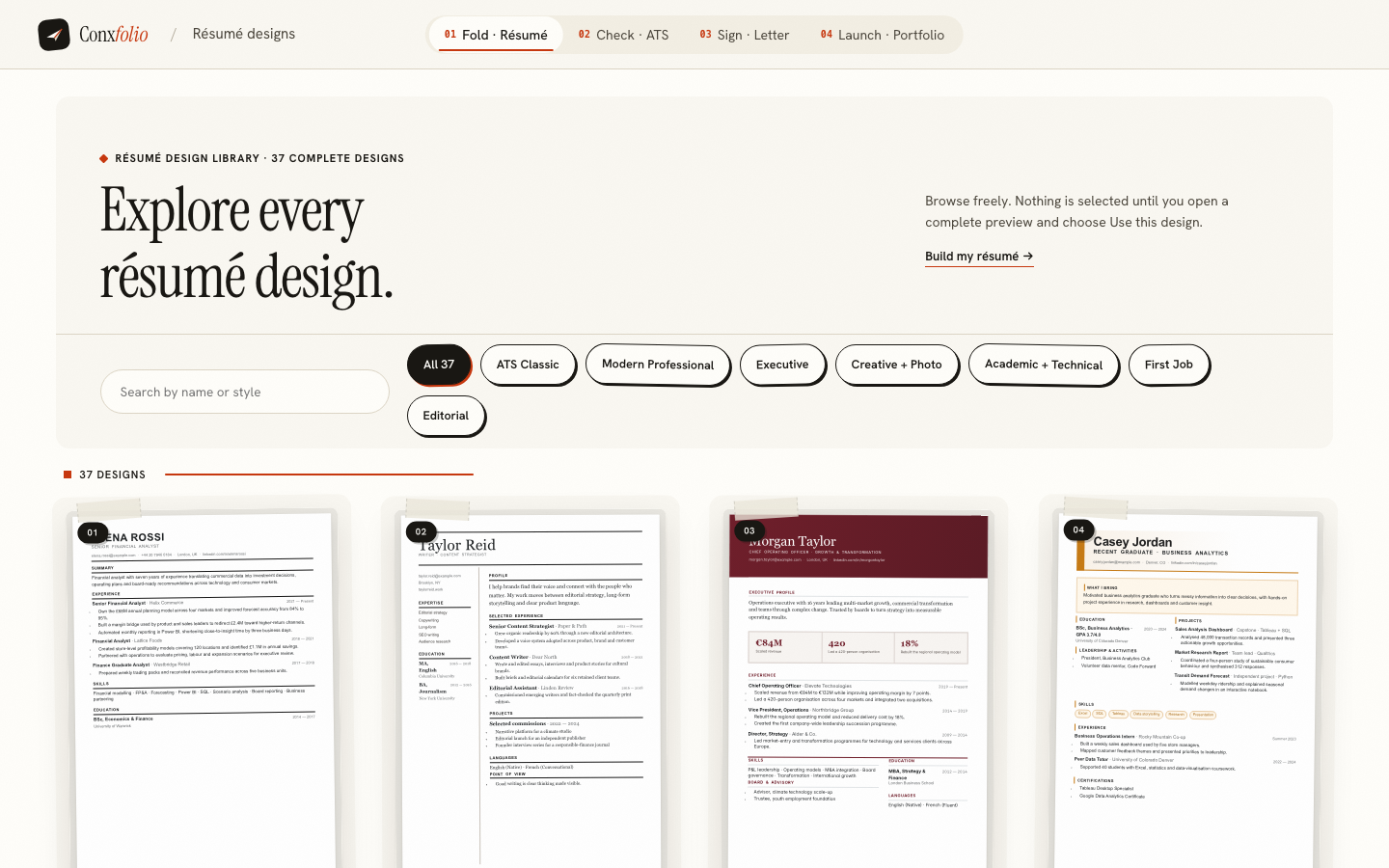
Of the 37 designs in the gallery, 24 carry the mark. It means two specific things: the layout is a single column, and the text still comes back when it is pulled out of the exported PDF. It is a property of the layout, checked on the export, and it is not a claim about any particular employer's software, because nobody outside that company can make one.
Designing within a single column
A single column is a structural constraint, not an aesthetic one. Type, spacing, rules, weight, colour and the placement of dates are all still available, and most of the visual quality of a good résumé comes from restraint in those rather than from a second column. The layouts in the gallery that carry the mark are complete authored pages rather than plain documents.
Where you want a stronger visual structure, spend it on hierarchy: a clear name, generous space between sections, one accent used consistently. A reader finds the page easier and the extraction stays clean.
When two columns are the right choice anyway
For a document that will be read by a person rather than parsed: a page handed over at an interview, an attachment to a direct email, a printed leave-behind. In those cases the layout is doing real work and nothing is at risk. Keep the single-column version for anything going through a portal, and export both from the same content in the résumé builder, which costs one click and no rewriting.
The half-column compromise
A narrow band of contact details or skills beside a main column is still two columns as far as the file is concerned. Where you want the visual effect, get it from indentation and space inside a single flow rather than from a second frame. The result looks similar on paper and extracts as one stream, which is the whole point.
Test your own layout
Check the exported file and read the line that says how many words, lines and headings came back.
Open the ATS checkerSee the 24 ATS-safe designsQuestions
- Will a two-column résumé be rejected
- Not by itself. Some parsers read two columns correctly and some interleave them. The problem is that you cannot tell which one will read your file.
- How do I know if mine interleaves
- Extract the text and read it. If job titles arrive under the wrong bullet points, or the sidebar lands in the middle of a sentence, the order is scrambled.
- Is a sidebar the same as a column
- For this purpose, yes. A floating box is its own little document and can land anywhere in the extracted stream.
- Can I send different versions to different places
- Yes, and it is the practical answer: the single-column version through portals, the designed version by email or in person.
- Do the ATS-safe designs here look plain
- They are single-column, which is a structural property rather than a visual one. Typography, spacing and restraint are all still available.
Conxfolio is a free set of four career tools: a résumé builder with 37 rendered layouts, an ATS résumé checker that prints its own arithmetic, a cover letter builder that traces every proof paragraph back to the line it came from, and a portfolio builder with 22 authored designs. There is no account to create, nothing is held back for a paid plan, and no language model is used anywhere in the product, so the readers, the score and the letter are deterministic code you can check.