How to check a résumé against an ATS without making an account
No email address, no card, no blurred half-report waiting behind a sign-up. Four steps, about a minute, and it works on a phone.
— no sign-up, promise.
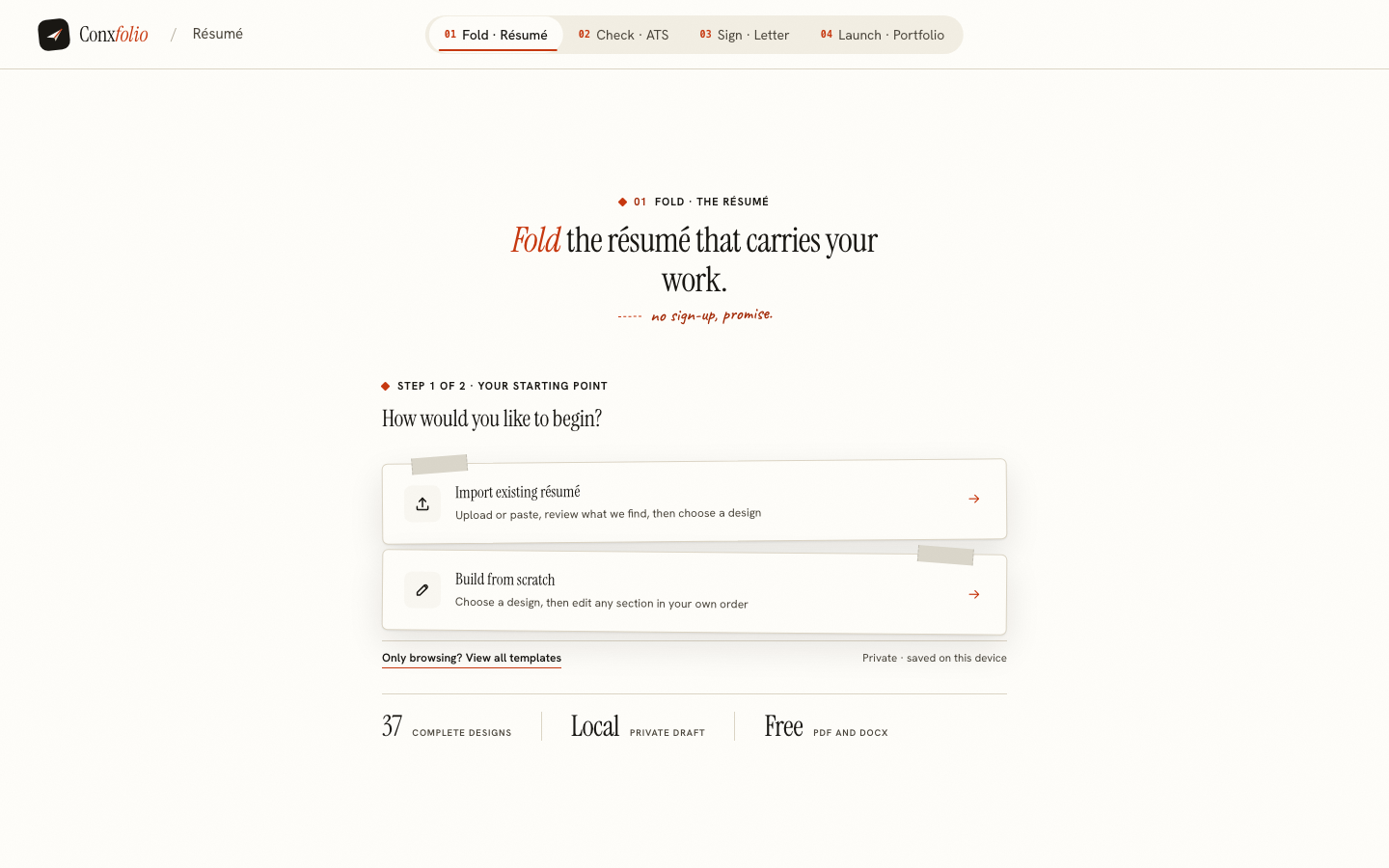
The usual shape of a free résumé check is this: you upload the file, a progress bar runs, a number appears, and then eleven findings sit behind a blur with a button that wants your email address. The check was never the product. The file was the price.
The ATS résumé checker here has no such step, so this article is short. Here is the whole of it.
Step one: open the checker
There is no landing gate, no modal and no "continue with" row of buttons. The first screen offers two ways in: upload a résumé (a PDF, a Word file or a scan), or paste the text.
Step two: give it the résumé
Upload a PDF, DOCX, text file or a photograph of a printed page, or choose Paste your text and paste the résumé itself, which is the fastest route if the document is open in front of you. Pasted text skips the layout checks, because layout only exists in a file. A file you upload is read in this browser first; only when this browser cannot read it is the file itself sent on to be read. A password-protected PDF is unlocked here after you type the password.
Whichever route you take, the review then states what it got: the file name, the number of words read, and a count of the roles, projects, degrees, languages and skills it found, with everything it read laid out below. That count is the honest preview of everything that follows. If it is far below the length of your page, the extraction is losing your résumé and the score is beside the point.
Step three: run it
Press Confirm & run check. No job description is asked for, because the score does not use one: it measures the structure and the evidence in your document, which are properties of the document alone.
Step four: read all of it
The report opens with the extracted text on one side and the score on the other: the number, a band such as Strong or Good, the three weighted dimensions and the arithmetic that produced it, printed as a sum you can check. Under it, every check is listed with Passed or Review and, where points were lost, how many and what would earn them. The passed half is the half most checkers hide, and it is the half that tells you what your score is made of. The left-hand sections add a Writing review, the Extracted details field by field, and Previous checks, which keeps the reports you ran on this device so you can fix something and see what the fix was worth.
It is the same report on a phone
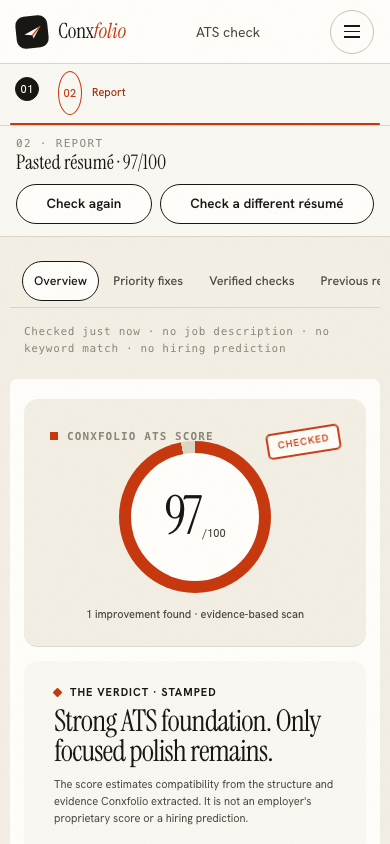
Pasting text on a phone is usually easier than finding a file on one, and the paste route accepts a résumé straight out of a notes app or an email. The report becomes one scrolling column with the same sections.
Why there is no account
An account exists for one of two reasons: the product needs to hold something for you, or the company needs to hold something over you. Conxfolio holds your work in your own browser, so neither applies to the check, the builder, the letter or the galleries. Even a published portfolio, the one thing that has to live on a server, needs no account: publishing gives you an edit key that opens the page on any device, and no email is asked for.
The second reason is the ordinary one, and the honest answer to it is that the product costs little to run. No language model is called anywhere in Conxfolio. The scorer is rules in ordinary code, the readers that parse your document are deterministic functions, and the letter engine selects sentences rather than generating them. A product with no per-visitor bill has no reason to meter you.
After the check
Each check that asks for review says what would earn its points back, in one line. Make the change in your document, or bring the résumé into the résumé builder and make it there, then press New check and compare the two reports under Previous checks.
From there the format guide covers the five layout habits that scramble extraction, and the arithmetic article covers what each dimension is actually measuring. Both are free to read and neither of them wants your email address either.
Do it now, on the file you have
Upload or paste a résumé and read the full report. No account, no email address, nothing held back for a paid tier.
Open the ATS checkerBuild a résumé insteadQuestions
- Is there any point where it asks for my email address
- No. Not for the check, the résumé builder, the letter, the galleries or publishing a portfolio. Publishing gives you an edit key instead; a recovery email is optional, and only if you want one.
- Where is my résumé stored if there is no account
- In this browser. Close the tab and come back and it is still there; clear your browser data and it is gone, with no copy anywhere else. When you run the check, the text is sent to our server to be scored and the result comes back.
- Is the report cut short without paying
- No. The score, the arithmetic, every check with the points it earned and every passed check are on the page, and Download report saves it. There is no paid tier holding part of it back, and there is no watermark on the exports either.
- Does it work on a phone
- Yes. The report lays out in one column at 390 pixels wide, with the same sections and the same numbers. The screenshot in this article is the real phone rendering.
- Do I need the job advert
- No. This check reads the résumé on its own. Matching against a particular posting is what the cover letter builder does with the posting you paste there.
- How many times can I check
- As often as you like. There is a rate limit on the endpoint so one caller cannot saturate it, and a person working on a résumé will never meet it.
Conxfolio is a free set of four career tools: a résumé builder with 37 rendered layouts, an ATS résumé checker that prints its own arithmetic, a cover letter builder that traces every proof paragraph back to the line it came from, and a portfolio builder with 22 authored designs. There is no account to create, nothing is held back for a paid plan, and no language model is used anywhere in the product, so the readers, the score and the letter are deterministic code you can check.