Conxfolio beside a Google Docs résumé template
A word processor with a template gallery and a tool built around résumés are different kinds of thing. Here is what each one actually does, and where the template wins.
— the honest half of a comparison is where you lose.
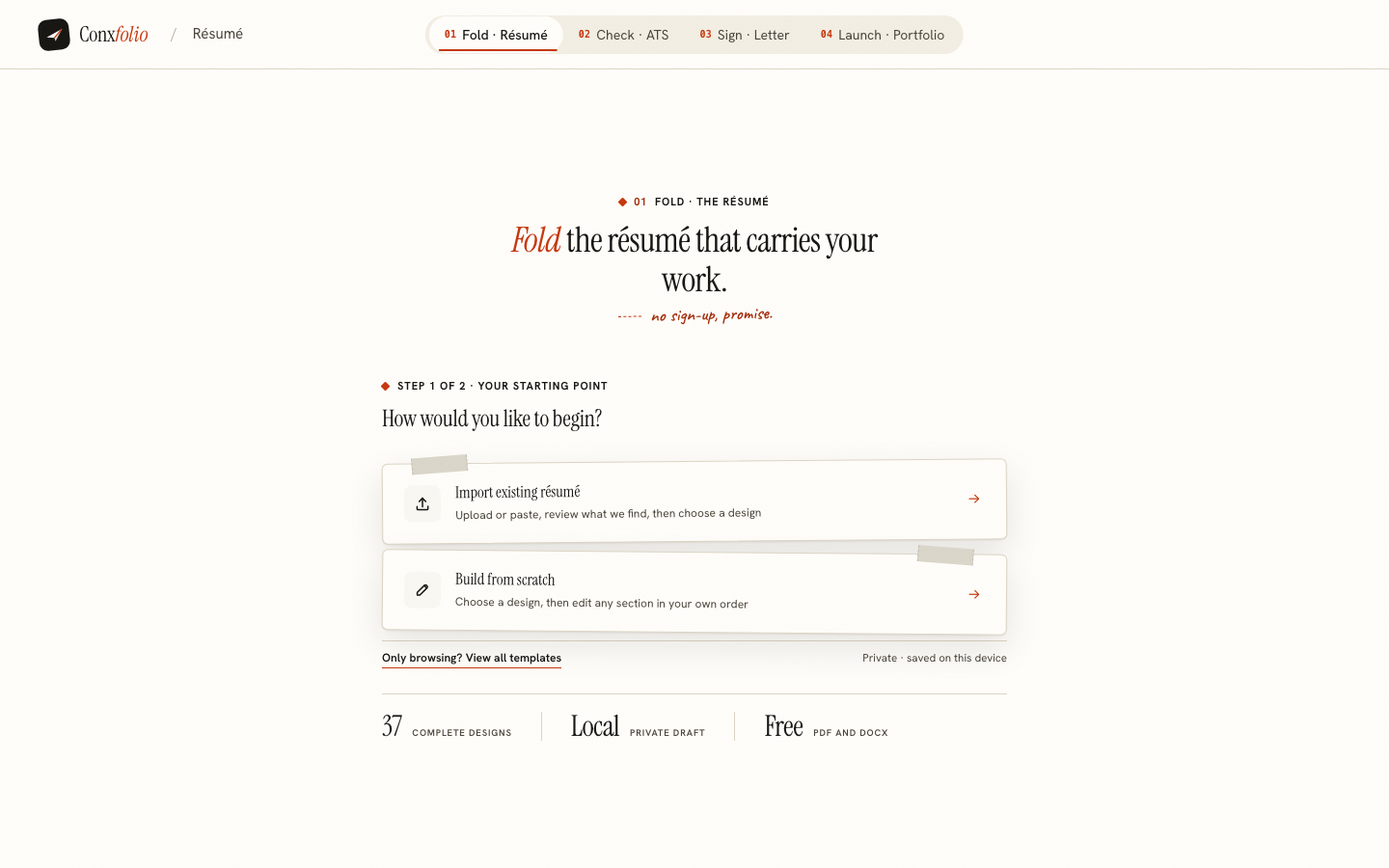
A Google Docs résumé template and a résumé builder get compared because they sit in the same search result, and they are not the same kind of object at all. A Google Docs template is a shared document you copy from the template gallery. The other is a tool that knows what a résumé is. Both of those are reasonable things to want, and which one you want depends on a single question: whether you would rather control the layout yourself or have something read the document back to you.
What a template in a word processor is
A starting document with the styles already set. You type into it, you move things around, and everything a word processor can do is available to you, which is a great deal. It needs a Google account, it saves to your drive, and it exports PDF and DOCX. If you enjoy typography and you want a layout nobody else has, this is the honest answer, and no builder will beat it for freedom.
The costs are the ones that come with freedom. The copy has no idea it is a résumé: Docs will not warn you that contact details typed into the page header are often skipped by extractors, or that a table used for two columns will be read across the columns line by line. Trying another template in Docs means making a fresh copy and pasting your text across section by section. File, then Download, then PDF gives you a file, but Docs has nothing that reads that file back the way a parser will.
What this side is
The résumé builder treats the document as structured content and the design as a rendering of it. You can import the PDF or DOCX you already have and it reads it into fields, showing everything it found beside the text it came from so you can correct it before it lands. Then the same content renders into any of the 37 layouts in the gallery, 24 of them marked ATS-safe, and switching between them rewrites nothing.
The other three tools read that same material. The ATS checker scores the text the way an extractor gets it and prints its own arithmetic. The cover letter builder writes from evidence in the résumé and traces each proof paragraph back to the line it came from. The same roles and projects can also become a portfolio website, without copying anything out of a doc.
Side by side
| Google Docs template | Conxfolio | |
|---|---|---|
| What it is | A document in a word processor | Structured content rendered into a design |
| Account | A Google account | None, publishing included (an edit key) |
| Layout freedom | Complete | 37 authored layouts, with type and spacing controls |
| Change design later | By hand | One click, the words untouched |
| Reads an existing résumé | Opens the file | Reads it into fields and shows what it read |
| ATS check | None | Score, arithmetic, fixes priced in points |
| Cover letter from the résumé | None | Evidence-traced, 12 designs |
| Portfolio page | None | 22 authored designs, publishable |
| Export | PDF, DOCX | PDF, DOCX, no watermark |
| Cost | Free with a Google account | Free |
Where the template wins
Three places, plainly. If you want a layout that does not exist in any gallery, build it yourself in a word processor. If you already have a résumé you like in Docs and it is passing checks, moving it gains you nothing. And if you need somebody else to edit the same file with you at the same time, a word processor does collaborative editing and this does not.
Where the shape of this side pays
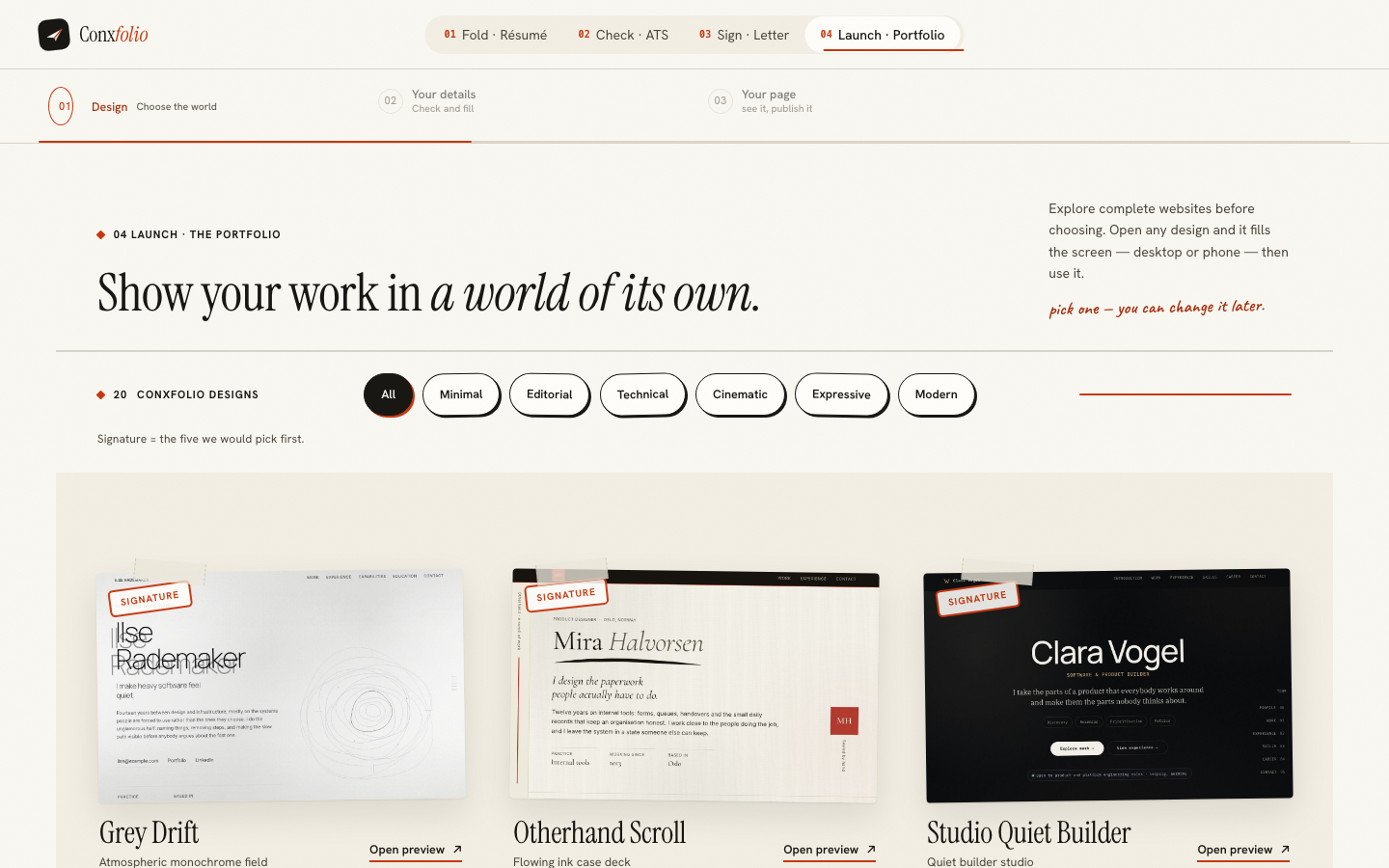
Content separated from design pays the moment you apply for a second job. One master document, a targeted version saved beside it, a single-column render for the portal and a designed one for the human, all from the same words. The 22 portfolio designs are the same idea taken further: the roles and projects already in your résumé, rendered as a website, with an address you can claim.
Check both yourself, in ten minutes
Export your Docs résumé as PDF and run it through the checker. Read the line that says what the checker read: the word, line and heading counts from the extracted text. If those numbers match your page, your template is fine and you should keep it. If they are far short, the layout is losing your résumé before any software reads it, and the format guide names the five habits that cause it.
Then import the same file here and look at the review screen. Whatever it read wrongly is a preview of what an employer's parser will read wrongly, which is a useful thing to know about a document you are about to send somewhere important.
Bring the document you already have
Import a PDF, DOCX or text résumé, correct what was read, and choose from 37 rendered layouts. Free, no account.
Open the résumé builderCheck a résumé firstQuestions
- Can I move a Google Docs résumé into Conxfolio
- Yes. Download it as PDF or DOCX and import the file. The review lists every field that was read beside the text it came from, so a bad extraction is corrected before anything enters the editor.
- Can I move the other way
- Yes. Export DOCX from here and open it in Google Docs, Word or anything else that reads the format. The DOCX is written in your own browser, so it works even with the network off.
- Which is better for a two-column design
- A word processor, honestly, if you want to build one yourself. It will also happily let you build a layout that scrambles when the text is extracted, which is why the check on this site exists.
- Does Google Docs check a résumé against ATS parsing rules
- It is a word processor, so no. That is a different job and it is the one the checker here does.
- Do I need an account for either
- Google Docs needs a Google account. Conxfolio needs none, publishing included: a published portfolio opens with an edit key.
- What does Conxfolio cost
- Nothing, including PDF and DOCX export, the ATS check, the cover letter and publishing a portfolio. There is no watermark and no paid tier holding a feature back.
Conxfolio is a free set of four career tools: a résumé builder with 37 rendered layouts, an ATS résumé checker that prints its own arithmetic, a cover letter builder that traces every proof paragraph back to the line it came from, and a portfolio builder with 22 authored designs. There is no account to create, nothing is held back for a paid plan, and no language model is used anywhere in the product, so the readers, the score and the letter are deterministic code you can check.