Making a portfolio website without writing any code
The reason most portfolio pages never get made is not the design. It is the hosting, the domain, the deployment and the three evenings that go into them.
— no build step, no hosting account, no deploy.
The usual route to a portfolio site has about eight steps in it, and only one of them is about your work. Pick a framework, find a template, register a domain, point the records, set up hosting, work out the build, deploy, then discover the phone layout is broken. Most people stop somewhere around the domain and the page never exists.
Removing those steps is the whole design of the builder here.
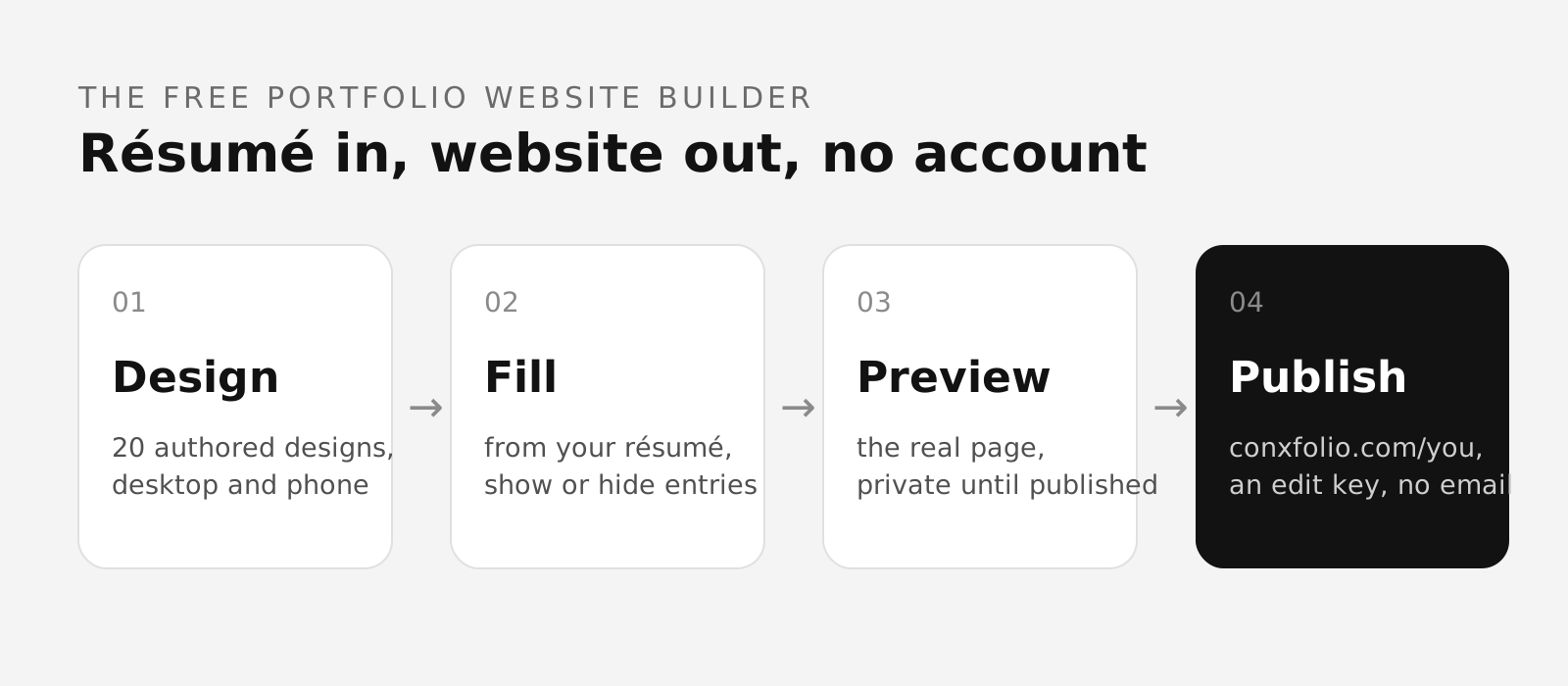
What you actually do
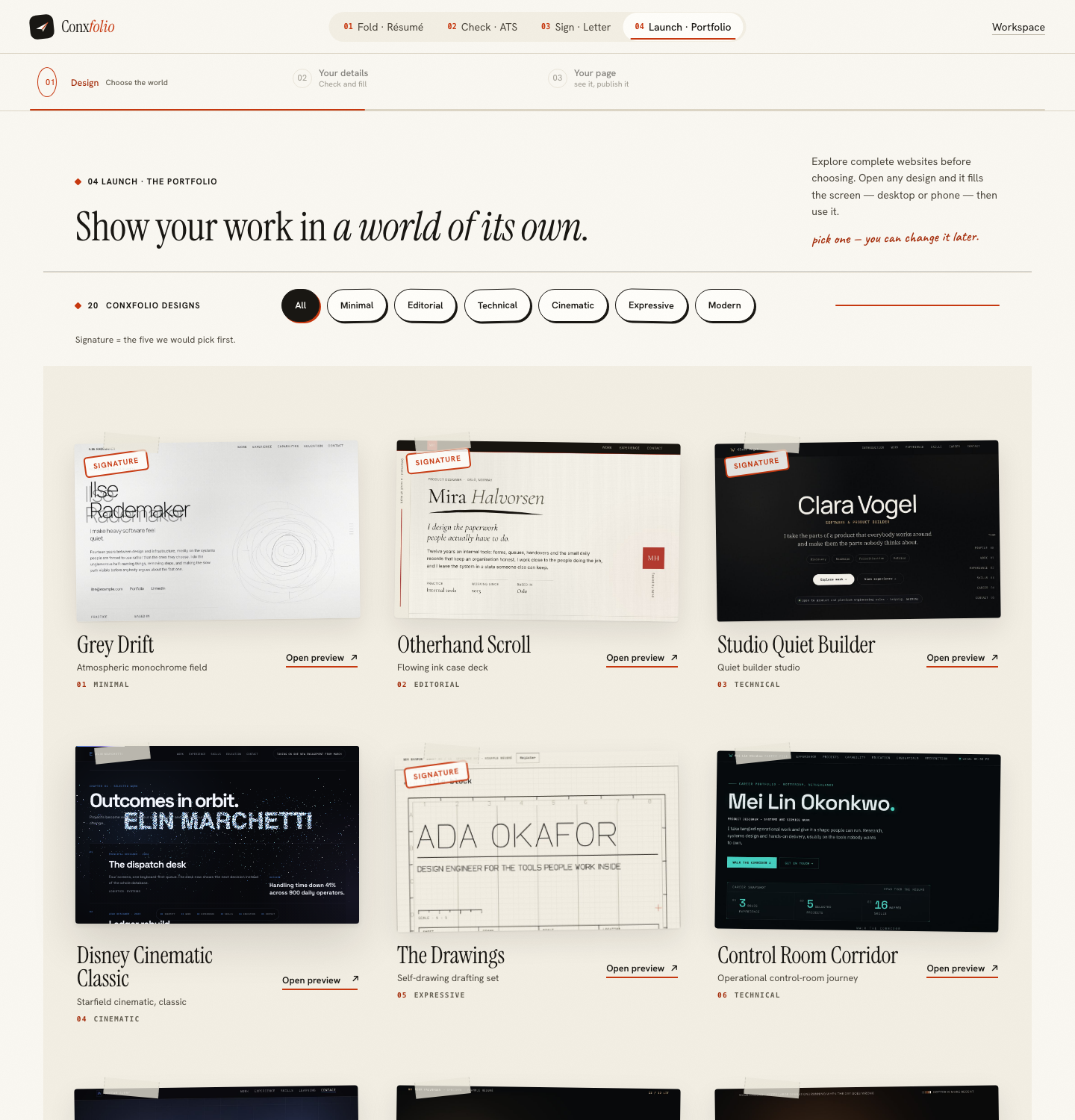
- Choose a design. The gallery holds 22 complete pages across 6 directions, filtered along the top. Open any card and it fills the screen at desktop or phone width, with arrows to walk the set.
- Check the builder. Fill it from the résumé you already have. Correct what is wrong, switch off what does not belong.
- Look at the page. The real page opens over the builder, at both widths.
- Publish. Type a handle, press publish, save the edit key.
That is four things, and one of them is reading. The walkthrough goes through each step as the product runs it.
What you do not do
No framework, no template repository, no build step, no deploy. No hosting account and no domain to register, because publishing claims an address of the form this site's domain followed by your handle. No responsive work, because each design is authored at both widths and Preview & publish renders the real page at each of them.
There is also no theme editor, which is a deliberate absence. A theme editor is how a hand-built page becomes a slightly worse page over an hour of adjustment. The 22 designs are complete rather than configurable, and the decision available to you is which one, not which shade.
What "authored design" means here
Each of the designs is a page somebody built by hand for a particular kind of work, which is why engineering pages and design pages start from different filters: Grey Drift is an atmospheric monochrome field, Studio Quiet Builder a quiet builder studio, The Wire one line of light, Queuewell a kinetic queue board. They are not one layout with six colour schemes. The gallery renders each one as the page it is, so the card you are looking at is the thing you are choosing.
Five of them are marked signature, described in the gallery as the five we would pick first: Grey Drift, Otherhand Scroll, Studio Quiet Builder, Disney Cinematic Classic and The Drawings. The whole set is browsable at portfolio designs without starting anything.
Where your material comes from
From the résumé, if you have one in this browser: the portfolio builder fills from it when you choose Fill from my résumé, and shows you what it read before anything lands on the page. If you do not, choose Start typing and fill it in by hand. Either way the entries are yours and nothing writes them for you.
Everything you make is kept in this browser rather than on a server, which is why none of this needs an account, publishing included.
The one thing publishing asks for
An address, and nothing else. Publishing then shows an edit key and a recovery code; save both. Before that point the page is private and noindexed, which the sheet also states. Choosing the address is the only part worth thinking about in advance.
What this cannot do
It cannot replace the résumé in a formal process, which is a question of its own. It cannot give you a custom domain, and it cannot give you a layout nobody else has, because the designs are shared. If either of those is the point for you, a site you build yourself is the right answer and the eight steps are the price. For most people the trade is the other way round: a hand-built page that exists this evening beats a custom one that exists in principle.
It also does not write your entries, add projects you have not done, or have any view on whether the page gets you work. What it removes is the part between having the material and having a page, which is where the evenings went.
The evening this is competing with
It is worth being honest about what a hand-built site gives you that this does not: a domain of your own, a layout nobody else has, and control over every detail. Those are real, and for some people they are the point.
What they cost shows up on the fourth evening rather than the first. A site you build is a site you maintain: a dependency update, a certificate, a broken build eighteen months later when you need to change one line before an interview. The trade here is that the page is simpler than the one you would build and it will still be there, unchanged and working, the next time you want to edit an entry.
Choose a page somebody already built
22 authored designs across 6 directions. Open one full screen, use it, and fill in the builder.
Open the portfolio builderSee the 22 designsQuestions
- Do I need to buy a domain
- No. Publishing claims an address of the form this site's domain followed by the handle you type. There is nothing to register and nothing to renew.
- Do I need hosting
- No. There is no build step, no deploy and no account with a hosting provider. The page is published from the publish sheet.
- Can I edit the design itself
- You choose between 22 complete designs rather than editing one. Each is a hand-built page, and switching between them rewrites none of your entries.
- Is it really free
- Yes. Every design, both page widths, and publishing including the address. Nothing is asked for; publishing gives you an edit key.
- What if I want to move it later
- Your material is yours and the draft is kept in this browser. A published page can be unpublished again by whoever holds its edit key.
Conxfolio is a free set of four career tools: a résumé builder with 37 rendered layouts, an ATS résumé checker that prints its own arithmetic, a cover letter builder that traces every proof paragraph back to the line it came from, and a portfolio builder with 22 authored designs. There is no account to create, nothing is held back for a paid plan, and no language model is used anywhere in the product, so the readers, the score and the letter are deterministic code you can check.