Conxfolio beside LinkedIn's Save to PDF
A profile export and a résumé are different documents with different jobs. Here is what LinkedIn's own help page documents, what this side does, and one claim this page refuses to make.
— a profile is not a résumé.
Plenty of people would rather not maintain two records of their working life, so the profile becomes the résumé and the export becomes the file that gets sent. It is an understandable shortcut and it is worth knowing what the export is before relying on it.
Everything below about LinkedIn comes from their own help page, checked on 12 September 2026, with one deliberate gap that is named rather than filled.
What LinkedIn's help page documents
It describes saving a profile as a PDF from the introduction section of the profile, through the More or Resources button. Three limits are stated on the same page: the feature is not available on the LinkedIn mobile app, Save to PDF currently supports only English characters and requires the profile and the member's language setting to be English, and downloads are limited to 200 per month, counting other members' profiles as well as your own. The source is LinkedIn's help page on saving a profile as a PDF.
The claim this page will not make
There is a separate feature people refer to as LinkedIn's Resume Builder. The help article that would describe its current state could not be reached when this page was written, and a comparison is only worth reading if every fact in it comes from the other side's own page. So nothing here describes it, in either direction, and this page compares against the export that LinkedIn does currently document.
What a profile export is
A rendering of a profile: the sections a profile has, in the order a profile keeps them, with the wording a profile carries. That is a real document and it has a real use, which is handing somebody a record of your history when they have asked for one.
What it is not is a document written for one job. A profile is a standing description of a career, and a résumé is an argument for a particular role. The difference is covered in tailoring a résumé to a job, and it is mostly about emphasis and order rather than facts.
What this side is
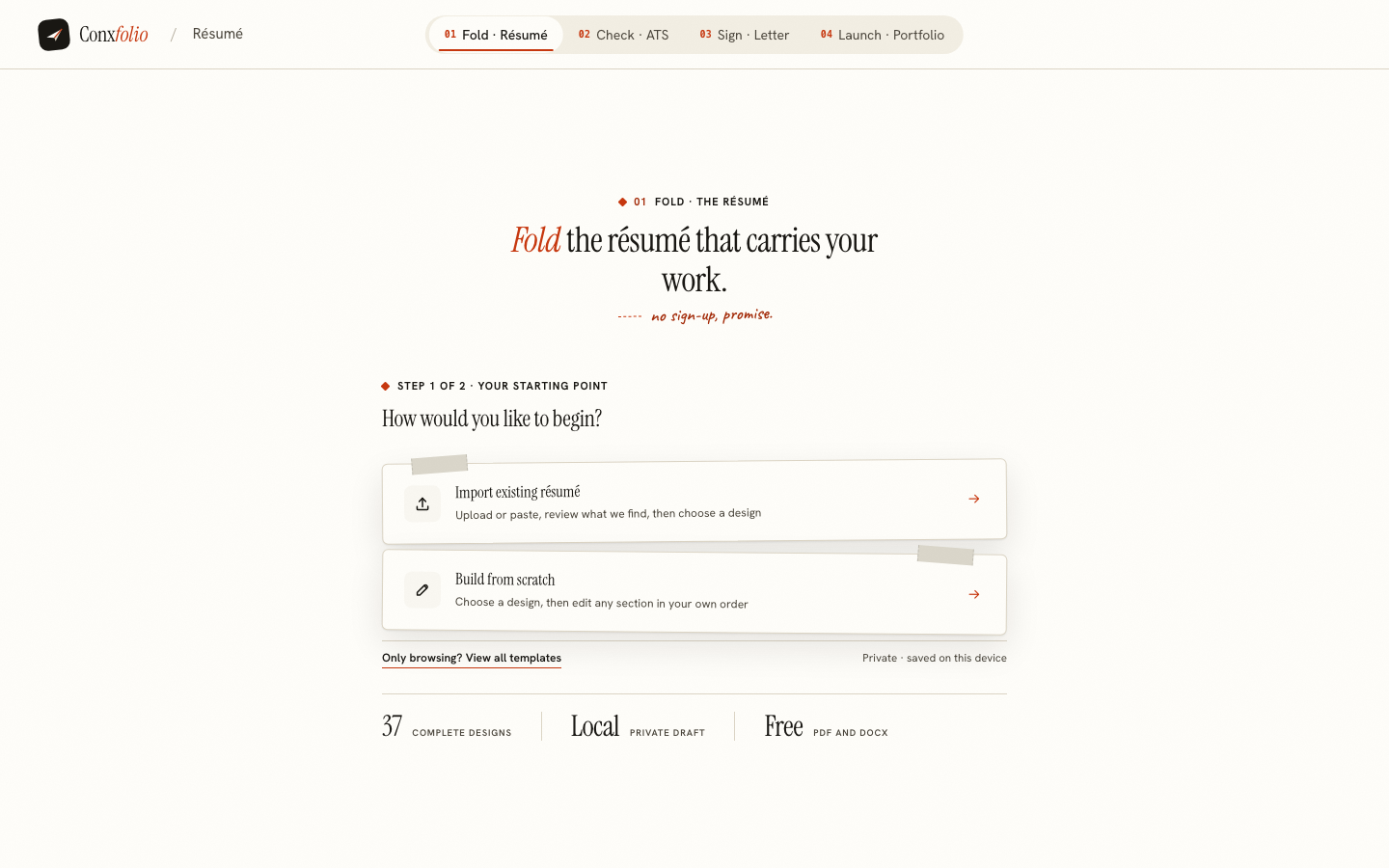
The résumé builder holds your material as content and renders it into any of 37 layouts, 24 of them marked ATS-safe. It imports a PDF, including a profile export, and shows every field it read beside the text it came from so a bad reading is corrected before it lands.
It also lets you keep a second, independent version for a different kind of role, described on keeping two résumés at once, which is the thing a single profile cannot do by design.
Side by side
| LinkedIn Save to PDF | Conxfolio | |
|---|---|---|
| What it produces | A PDF of your profile | A designed résumé, PDF and DOCX |
| Account | A LinkedIn account | None |
| On a phone | Their page says the feature is not on the mobile app | Works at phone width in the browser |
| Language | Their page states English characters and an English profile | Reads seven languages when recognising a scan |
| Volume | Their page states 200 PDF downloads per month | No export limit; the DOCX never touches a server |
| Tailoring to one posting | The profile is one record | A second copy, developed separately |
| Parsing check | None stated | Score, arithmetic, fixes priced in points |
| Cost | Part of the account | Free |
Where LinkedIn wins, and it is not close
Everything that is not the document. The network, the reach, recruiters finding you, messages, and the plain reality that a profile is where somebody looks you up after reading your name. None of that exists here and none of it is being competed with. If you have one hour and no profile, spend it there rather than here.
Using both, which is the sensible answer
Keep the profile current, because that is where people find you. Keep a separate résumé for applications, because that is where the argument for a specific job is made. Export the profile PDF, import it here as a starting point, correct the reading, and you have a document that can be shaped per posting without touching the record everybody else reads.
Then check whichever file you intend to send. Run it through the checker and read what it extracted, in words, lines and recognised headings. A profile export with an unusual layout can lose more than you expect, and the format guide covers what to do about it.
What to do with the exported PDF
Treat it as material rather than as the finished document. Import it here, read the review, and fix the two or three things a profile export always carries awkwardly: a headline written for a network rather than for one job, dates in the profile's format, and a skills list that is longer than a page wants.
Then choose a layout and export. The profile stays exactly as it was, because nothing here writes back to it, and you have a document you can shape per posting. If the export is your only copy, save a version before the first rewrite, as restoring an earlier draft describes.
Turn a profile export into a résumé
Import the PDF, correct what was read, and render it into a real layout. Free, no account.
Open the résumé builderScore the profile exportQuestions
- Does LinkedIn still have a Resume Builder
- This page makes no claim about it. The help article that would answer it could not be reached when this page was written, and a fact we cannot read on the source's own page is not stated here.
- What does LinkedIn's own help page document
- Saving a profile as a PDF from the introduction section. It states that the feature is not available on the LinkedIn mobile app, that Save to PDF currently supports only English characters and needs an English profile and language setting, and that you are limited to 200 PDF downloads per month.
- Can I import a LinkedIn profile PDF here
- Yes, as a file like any other. It is read in this browser and the review lists every field beside the text it came from.
- Is a profile export good enough to send
- It is a record of a profile rather than a document written for one job. It carries the profile's order and its headings, and it cannot be tailored to a posting, which is the thing a résumé is for.
- Do I still need LinkedIn
- Yes, for what it is for. This has no network, no recruiter reach and no messages, and it does not try to replace any of that.
Conxfolio is a free set of four career tools: a résumé builder with 37 rendered layouts, an ATS résumé checker that prints its own arithmetic, a cover letter builder that traces every proof paragraph back to the line it came from, and a portfolio builder with 22 authored designs. There is no account to create, nothing is held back for a paid plan, and no language model is used anywhere in the product, so the readers, the score and the letter are deterministic code you can check.